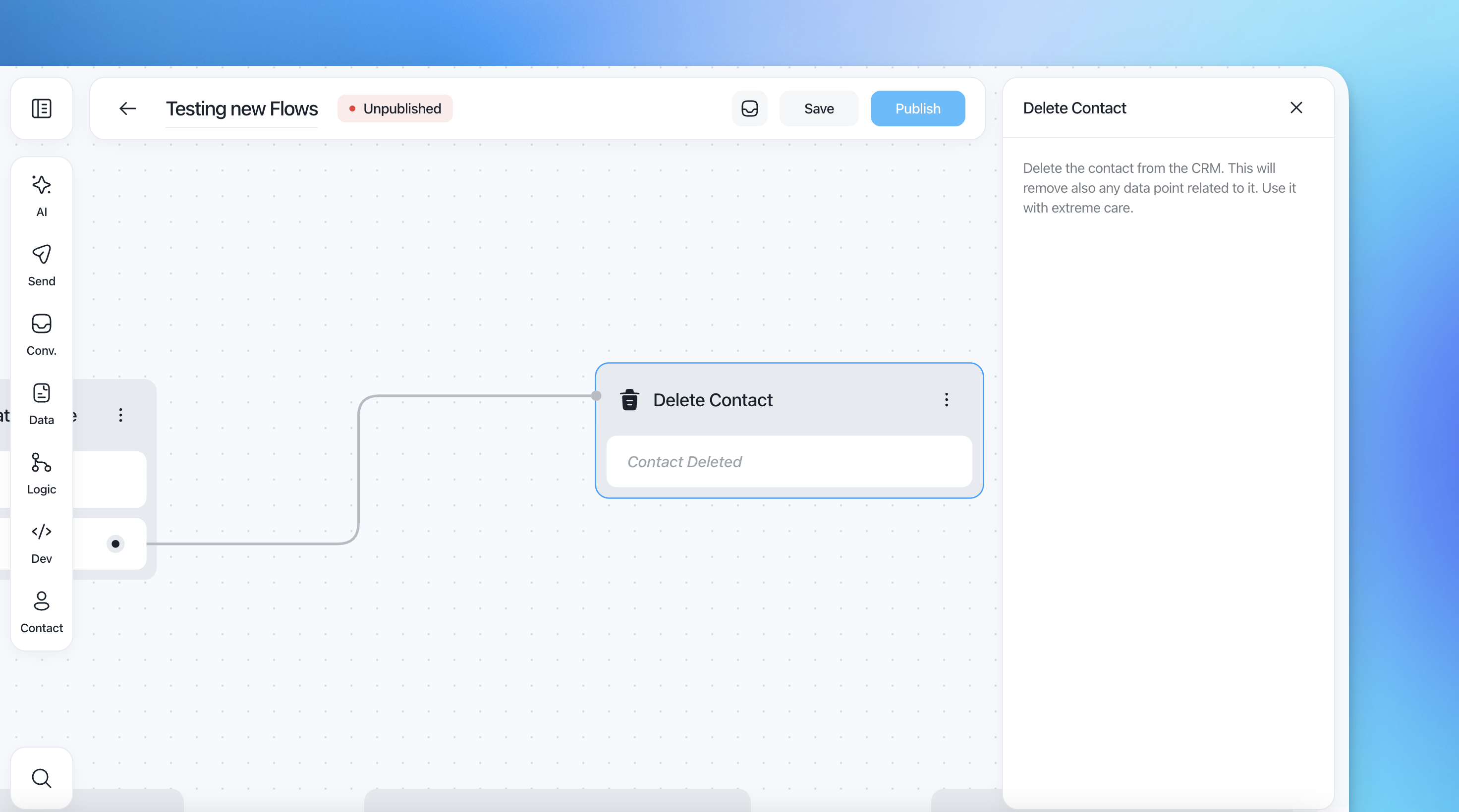
Contact actions allow you to perform direct actions on a contact inside your CRM during a flow. These actions modify the contact record based on behavior, conditions, or flow logic.
You can use Contact action to:
Assign or remove tags
Add internal notes
Block a contact
Permanently delete a contact
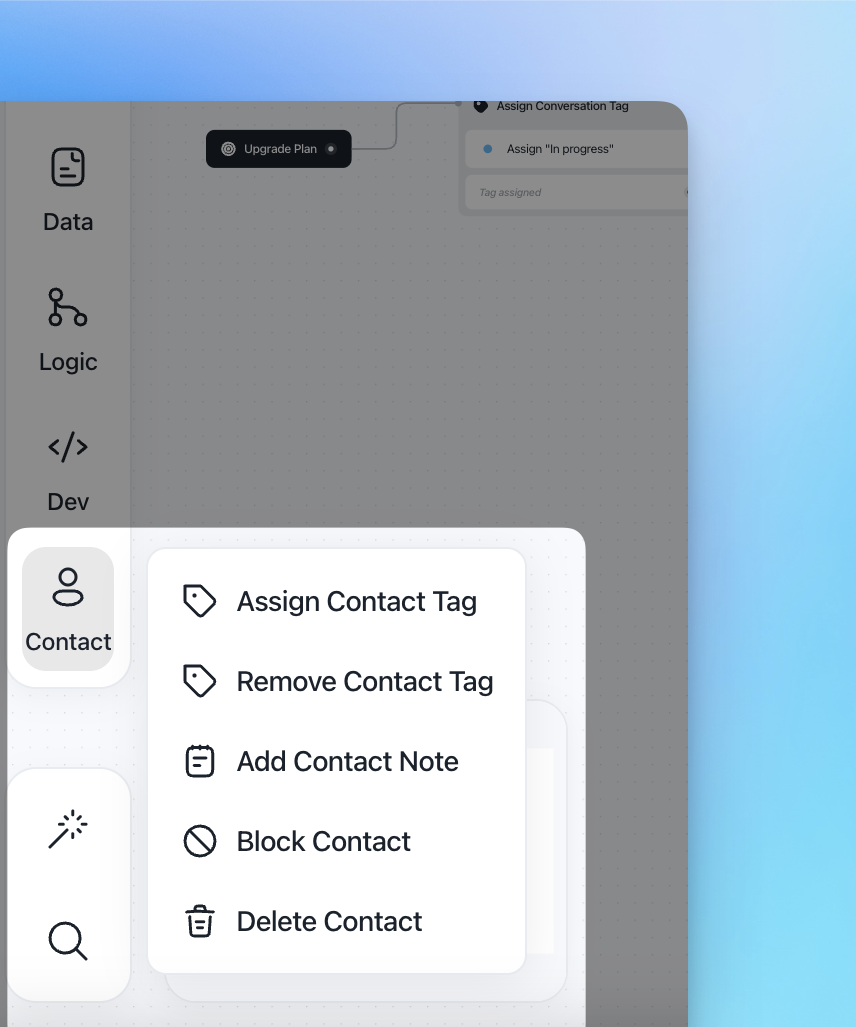
These actions help you automate segmentation, maintain data hygiene, and control how contacts interact with your system.
Available Contact Actions
1. Assign Contact Tag
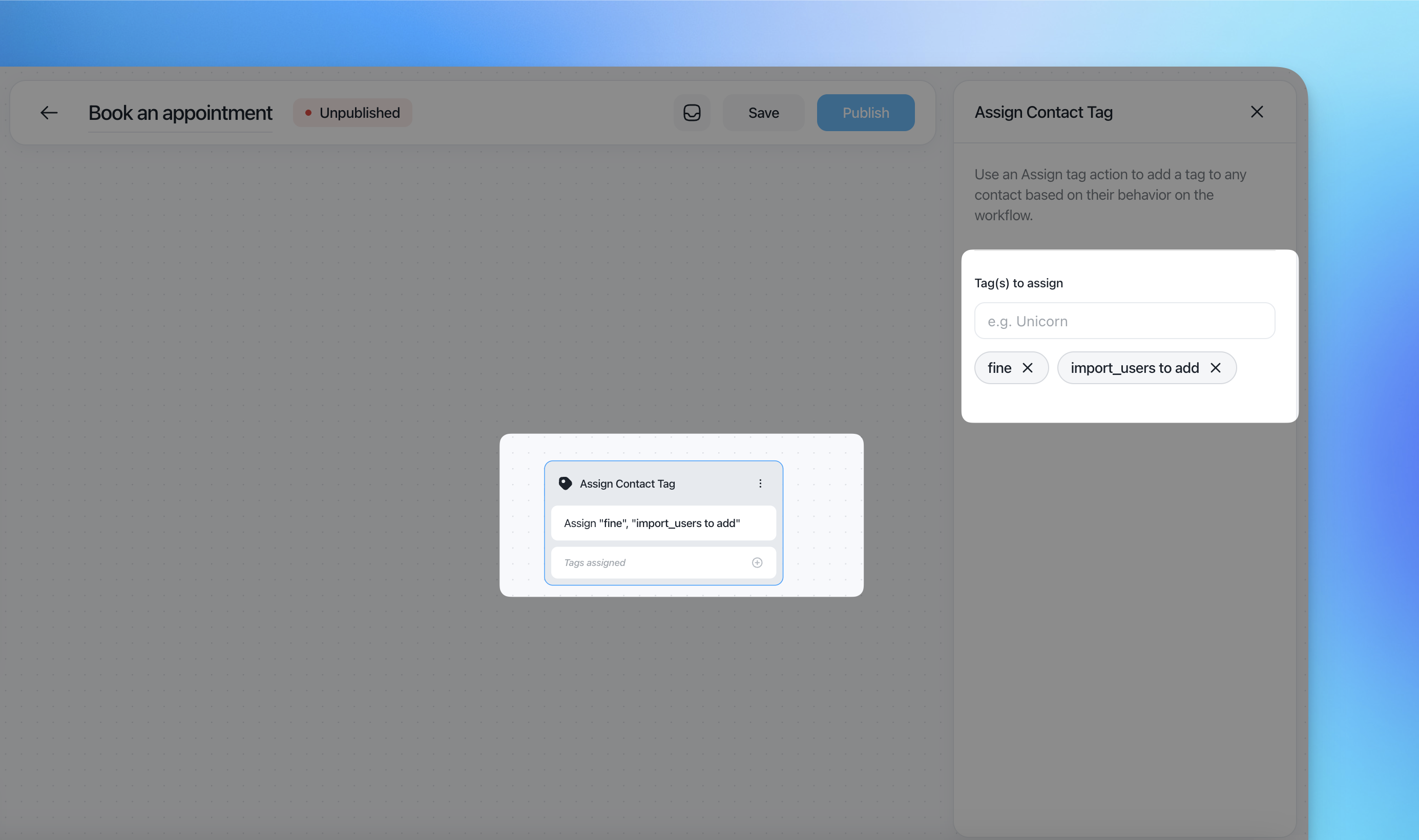
The Assign Contact Tag action adds one or multiple tags to a contact when they reach this step in the flow.
How it works
Insert the action into the flow.
In Tag(s) to assign, type an existing tag or create a new one.
Press Enter to confirm.
Multiple tags can be added.
If the tag does not exist, you need first to create it.
2. Remove Contact Tag
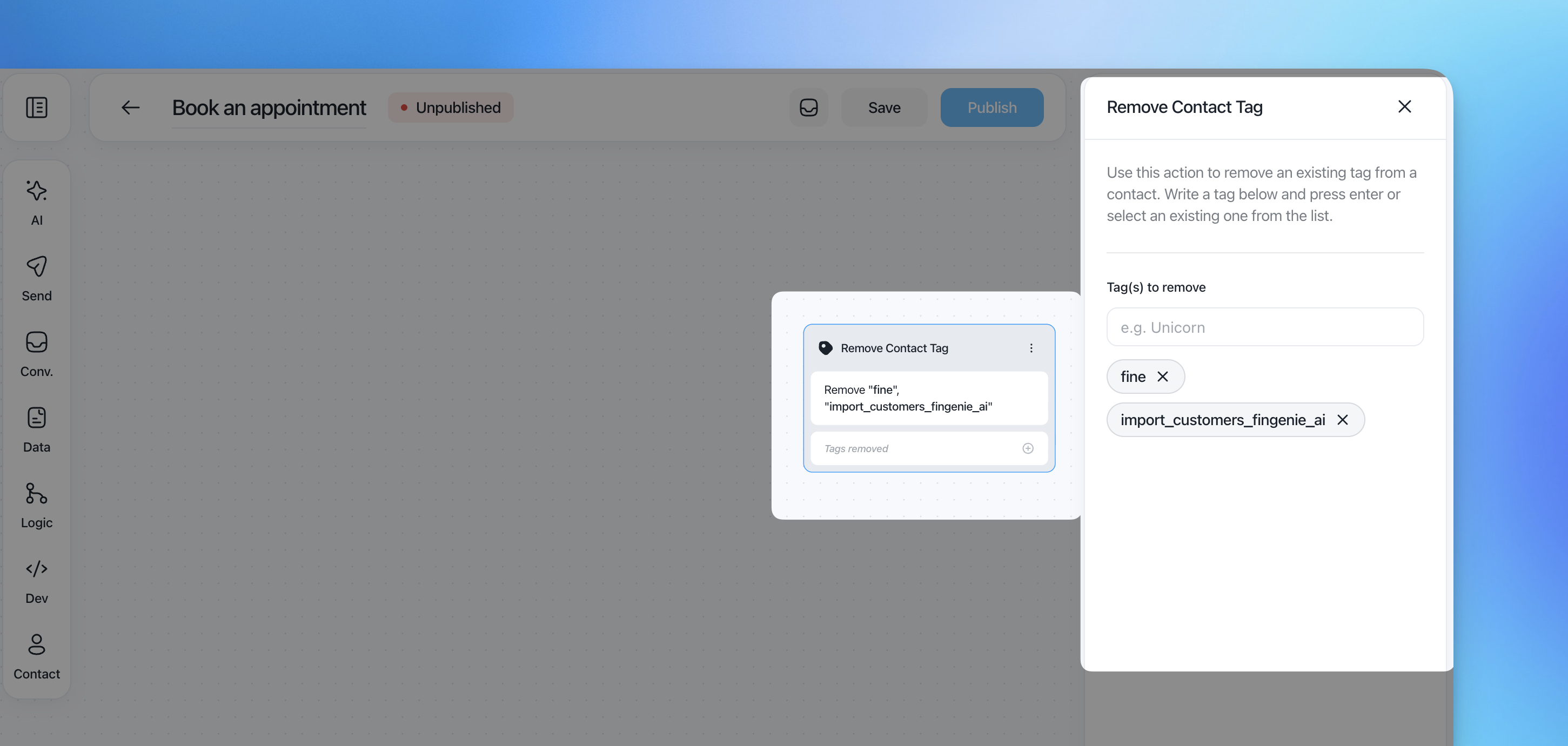
The Remove Contact Tag action removes one or multiple existing tags from a contact.
How it works
Insert the action into the flow.
In Tag(s) to remove, select or type the tag.
Press Enter to confirm.
Only existing tags can be removed.
3. Add Contact Note
The Add Contact Note action adds an internal note to the contact profile.
How it works
Insert the action.
Write the note content in the text field.
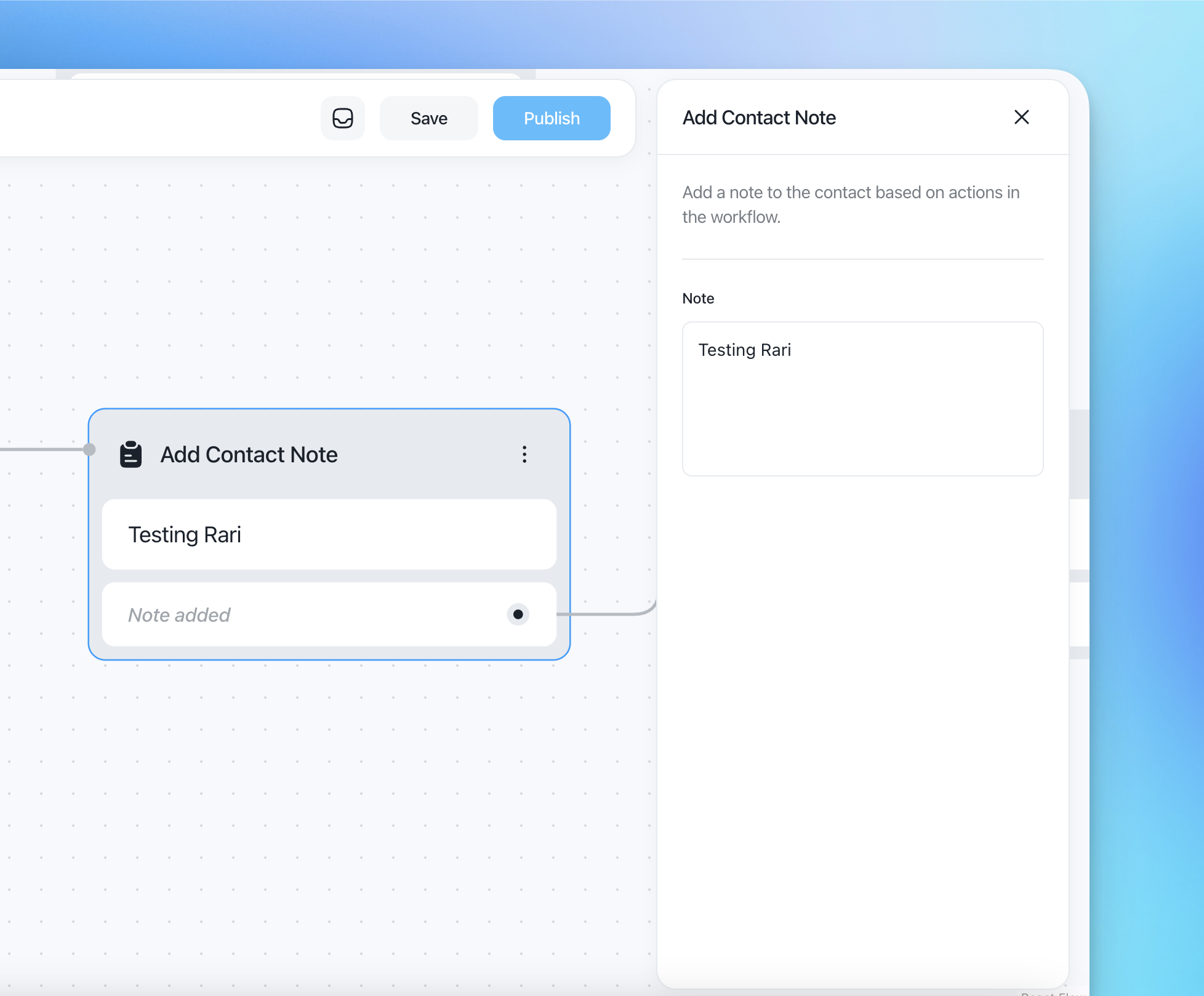
The note will be attached to the contact once they reach this step.
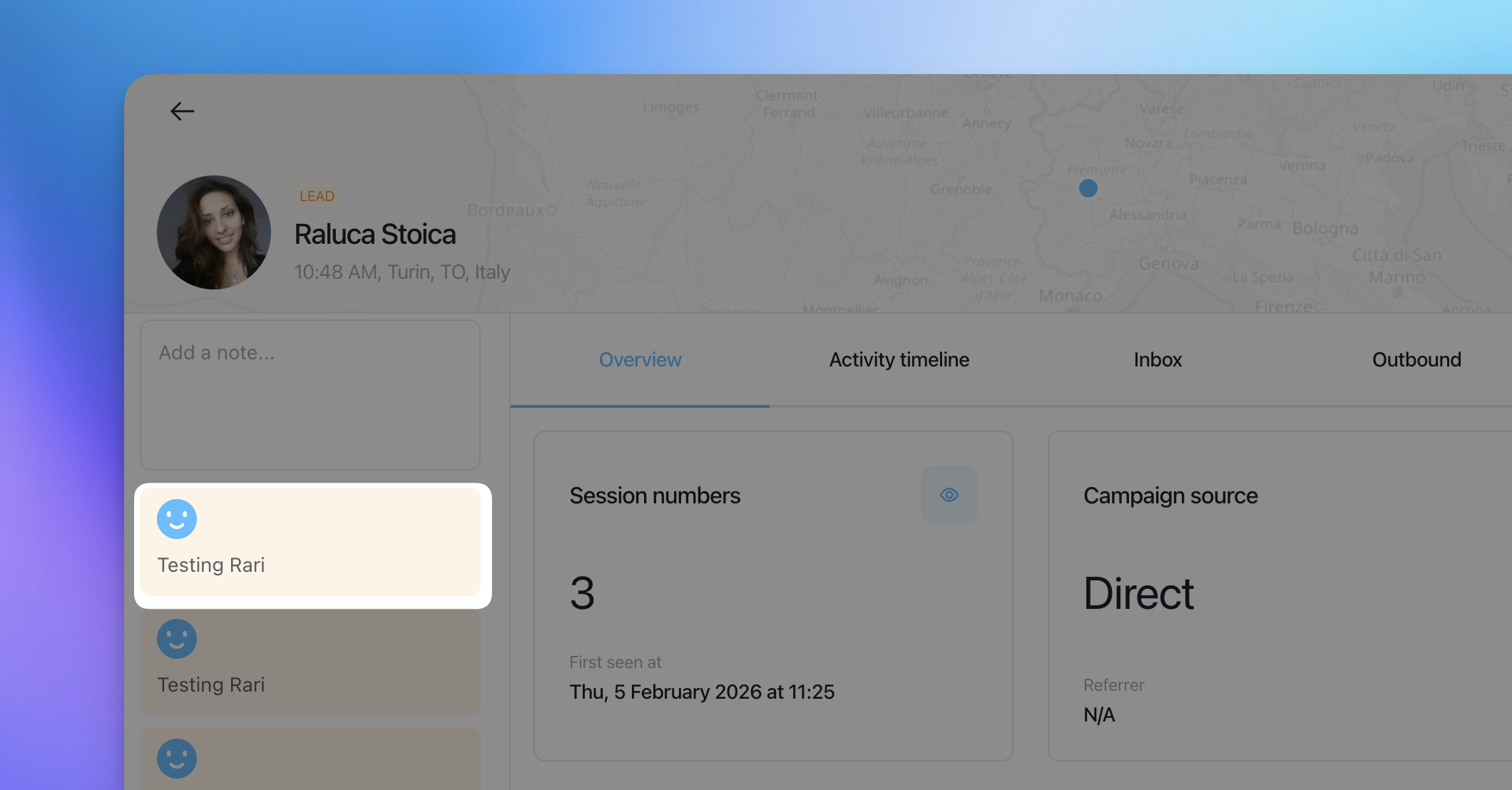
Notes are internal and not visible to the contact.
4. Block Contact
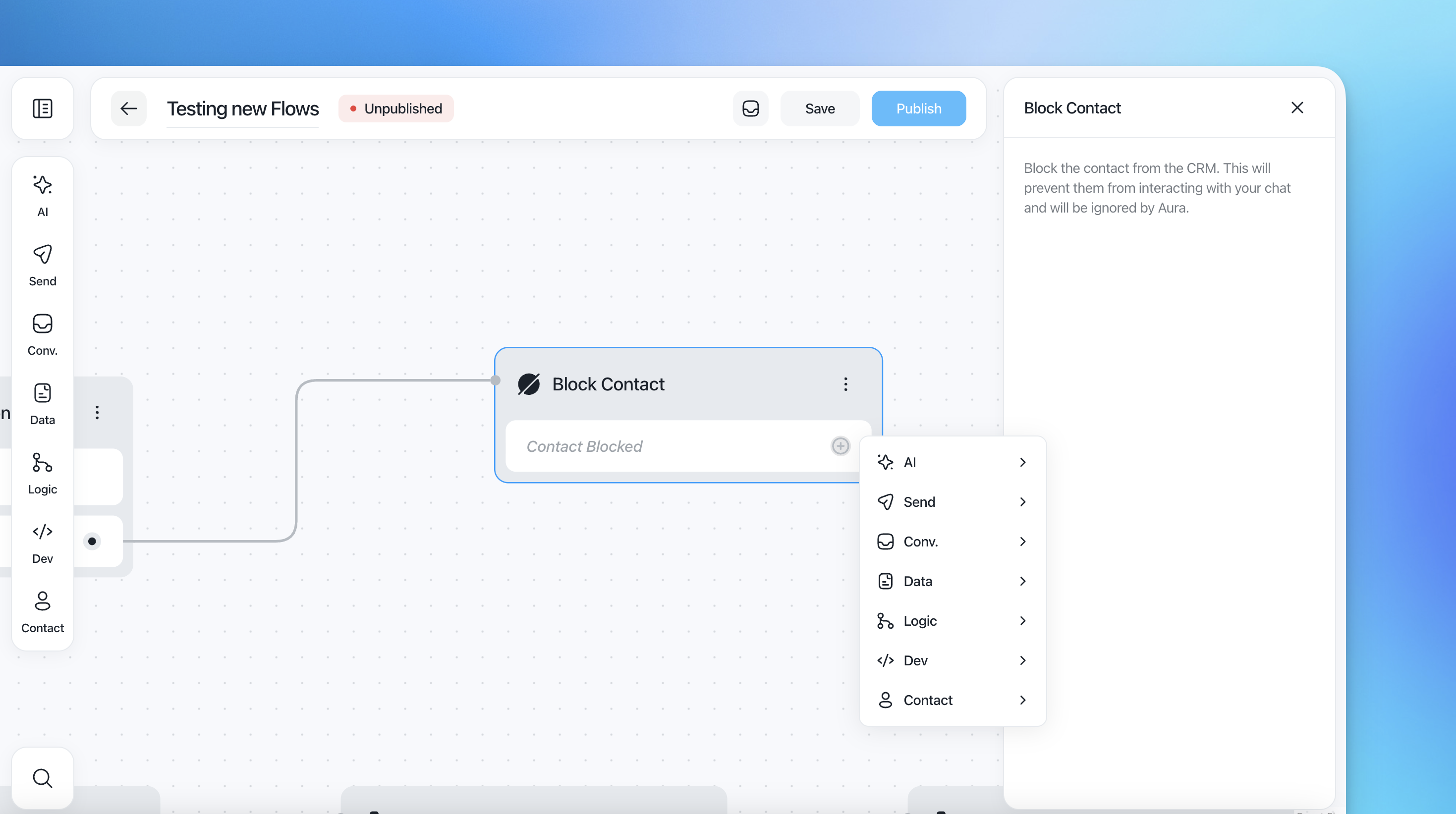
The Block Contact action prevents a contact from interacting with your chat and automation system.
What happens when blocked
The contact is blocked inside the CRM.
They cannot interact with your chat widget.
They are ignored by Aura.
5. Delete Contact
The Delete Contact action permanently removes a contact from the CRM.
Important
This action:
Deletes the contact record
Removes associated data points and conversations
Cannot be undone