
Logic actions allow you to control how a flow behaves by introducing decision-making, branching, and orchestration. They are used to route conversations dynamically based on conditions, data, or predefined rules.
Available Logic Action
The Logic category includes three actions:
Condition
Switch
Launch Flow
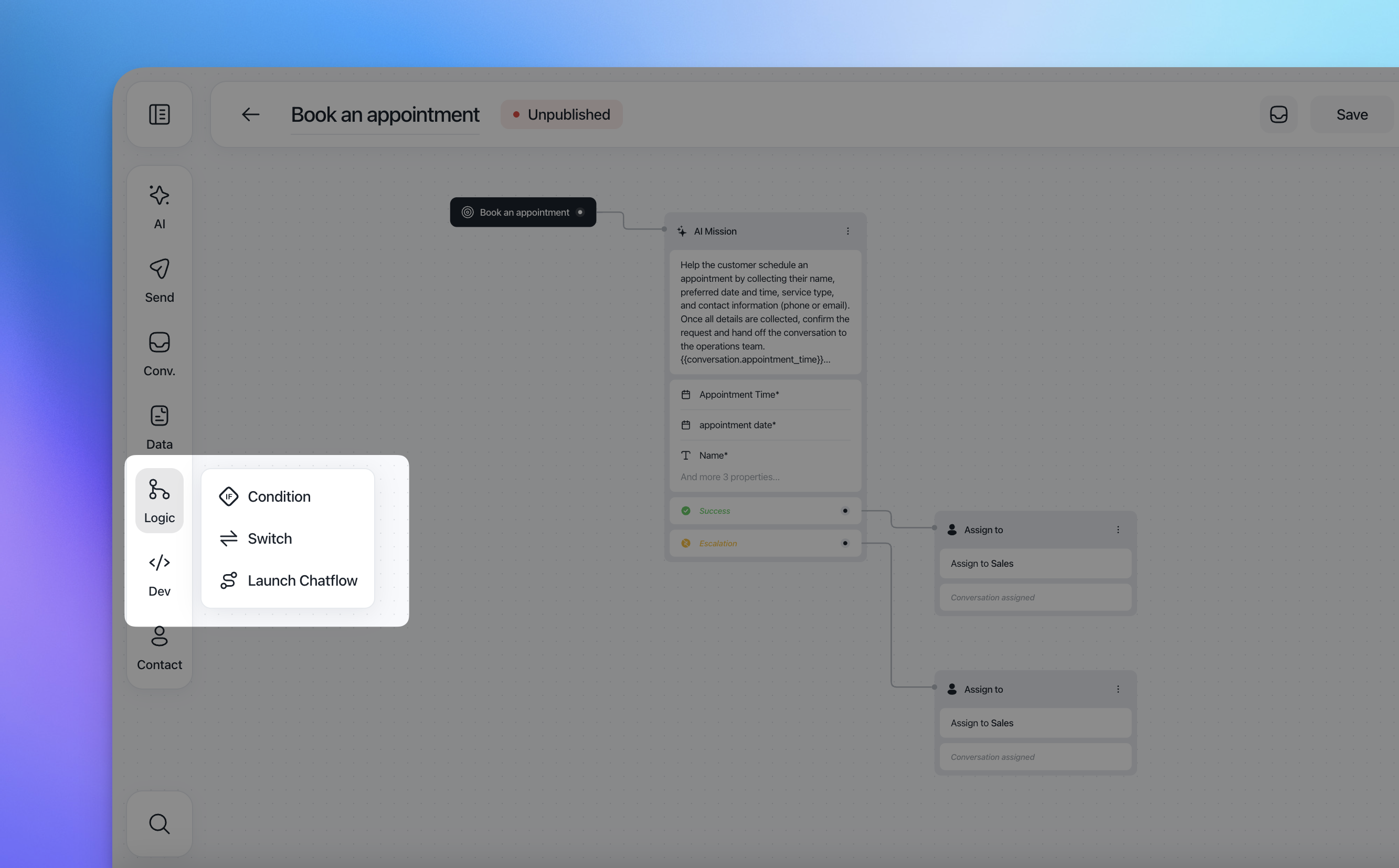
Each action serves a different purpose and is designed for a specific type of logic.
Condition action
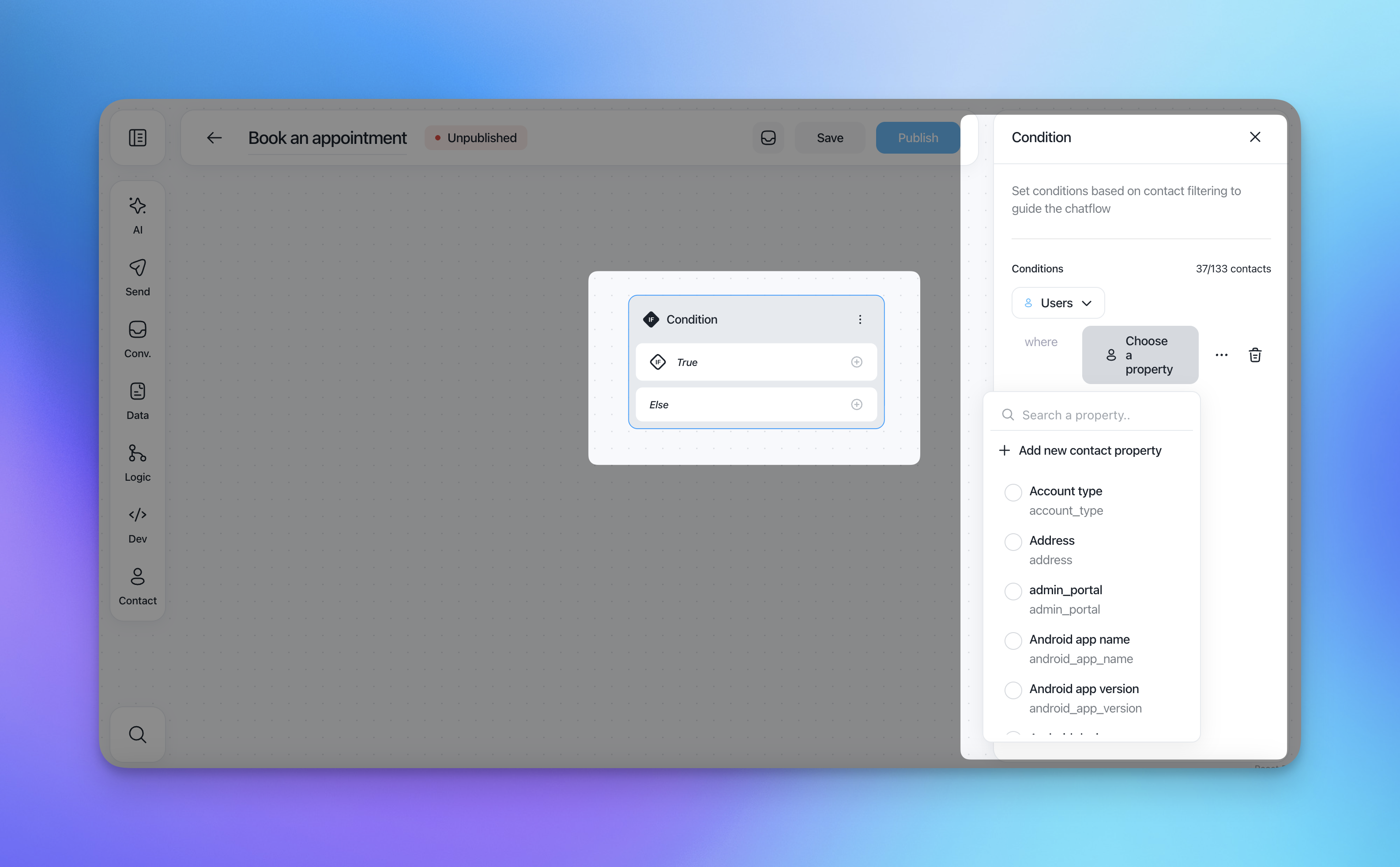
The Condition action is used to split the flow into two paths based on contact filters.
It evaluates whether a contact matches the defined conditions and routes the conversation accordingly.
How it works
You define one or more filters (e.g. contact properties, attributes, segments).
If the contact matches the filters, the flow continues through True.
If not, it continues through Else.
Common use cases
Check if a contact belongs to a specific segment
Route VIP users differently from standard users
Handle logged-in vs non-logged-in users
Switch action
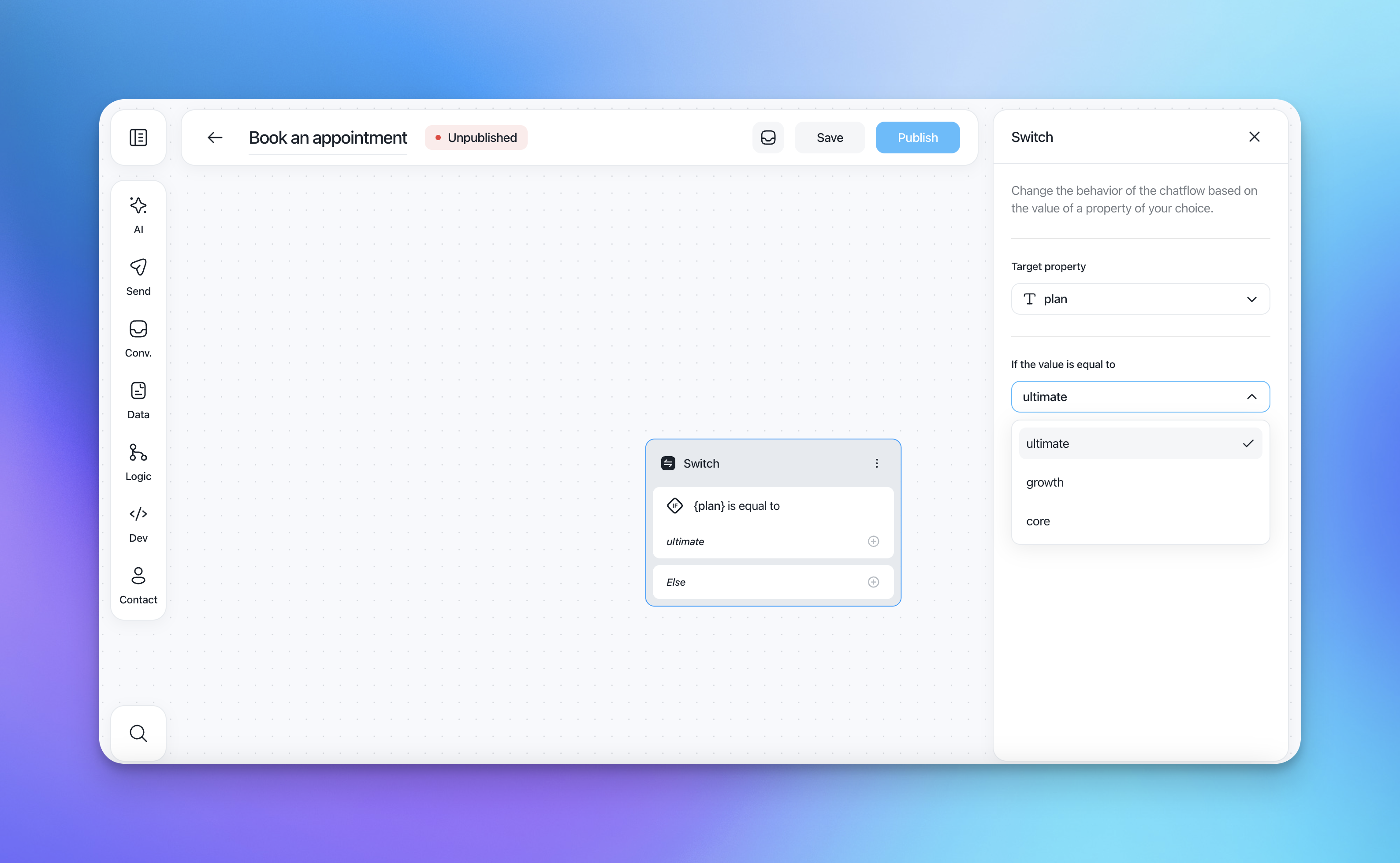
The Switch action routes the flow based on the value of a specific property.
Unlike the Condition action, which evaluates filters as a whole, Switch compares one property against multiple possible values.
How it works
Select a target property (contact or conversation property).
Define one or more values.
Each value creates a dedicated branch.
Contacts that don't match any value go through Else.
Common use cases
Route users by plan type (e.g. Free, Pro, Enterprise)
Handle different languages or countries
Branch based on conversation attributes (e.g. topic, intent)
Launch Flow action
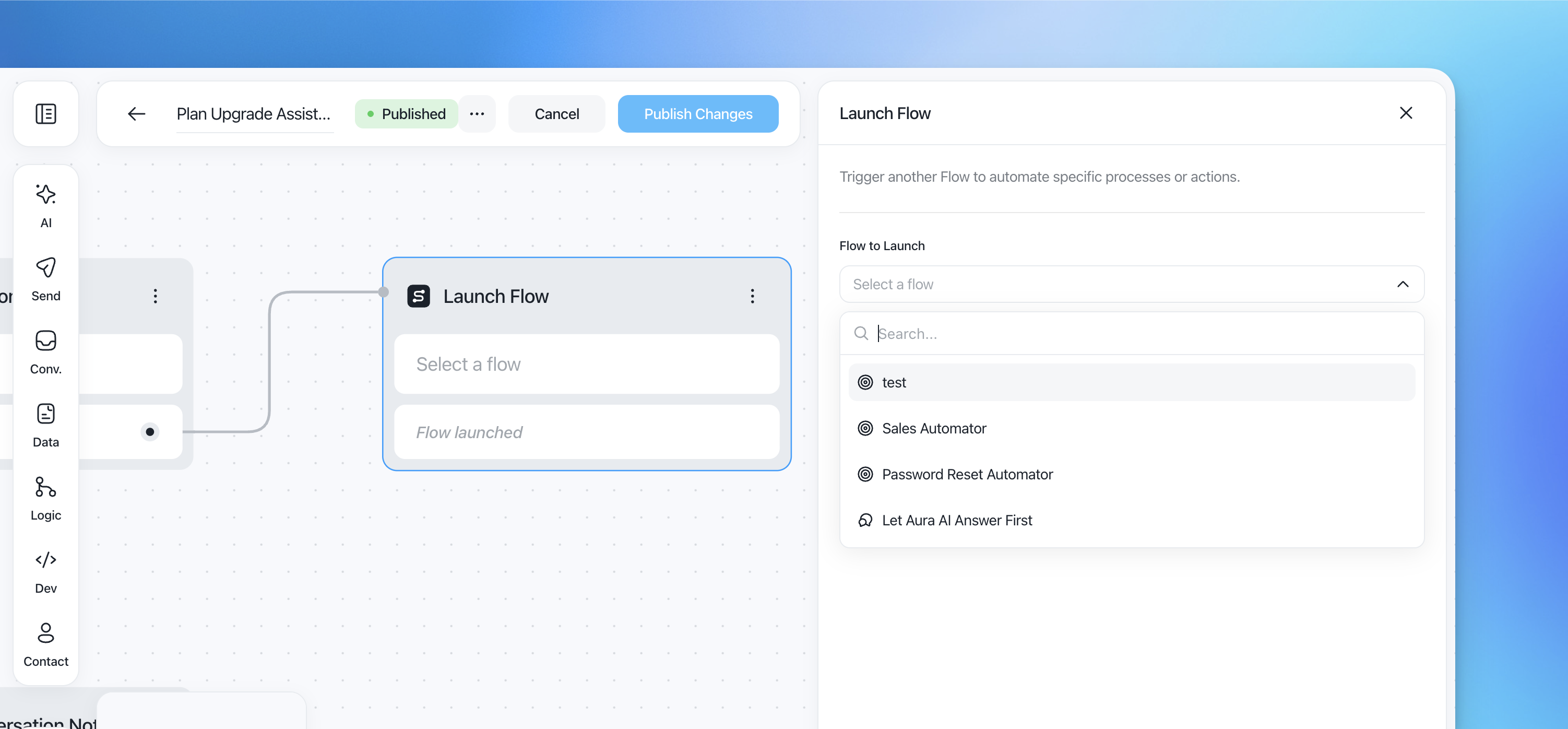
The Launch Flow action allows you to trigger another flow from within the current one.
This is useful for modularizing logic and reusing existing flows across different scenarios.
How it works
Select an existing flow from the list.
When the action is reached, the selected flow is launched.
Once launched, the original flow stops and control is passed to the new one.
Common use cases
Reuse a password reset or sales qualification flow
Delegate complex processes to dedicated flows
Centralize core automations and trigger them from multiple entry points