Conversation actions allow you to change the state, ownership, and organization of a conversation inside a flow.
Unlike message or data actions, these actions do not send messages to the customer, they operate directly on the conversation itself.
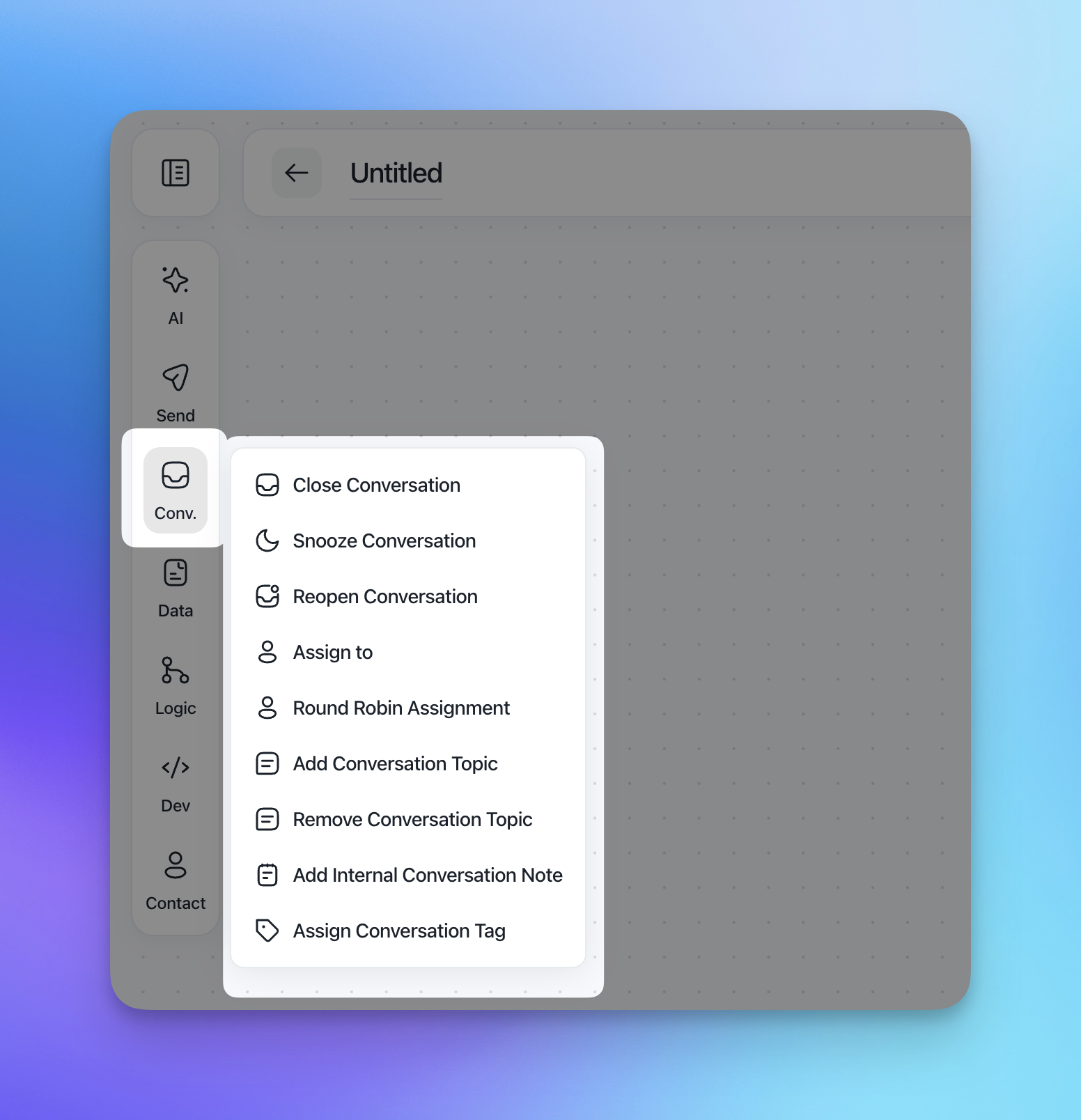
In the left sidebar, these actions live under Conv. and include:
Snooze Conversation
Close Conversation
Reopen Conversation
Assign to
Round Robin Assignment
Add Conversation Topic
Remove Conversation Topic
Add Internal Conversation Note
Assign Conversation Tag
These actions are typically used to route conversations, pause them, mark them resolved, and keep the inbox clean and structured.
Close Conversation
Closes the conversation and marks it as resolved.
When this action runs, the conversation is removed from the active inbox and considered complete.
CSAT behavior
By default, closing a conversation will trigger a Customer Satisfaction (CSAT) survey.
You can disable this for the specific action using:
Skip CSAT for this conversation
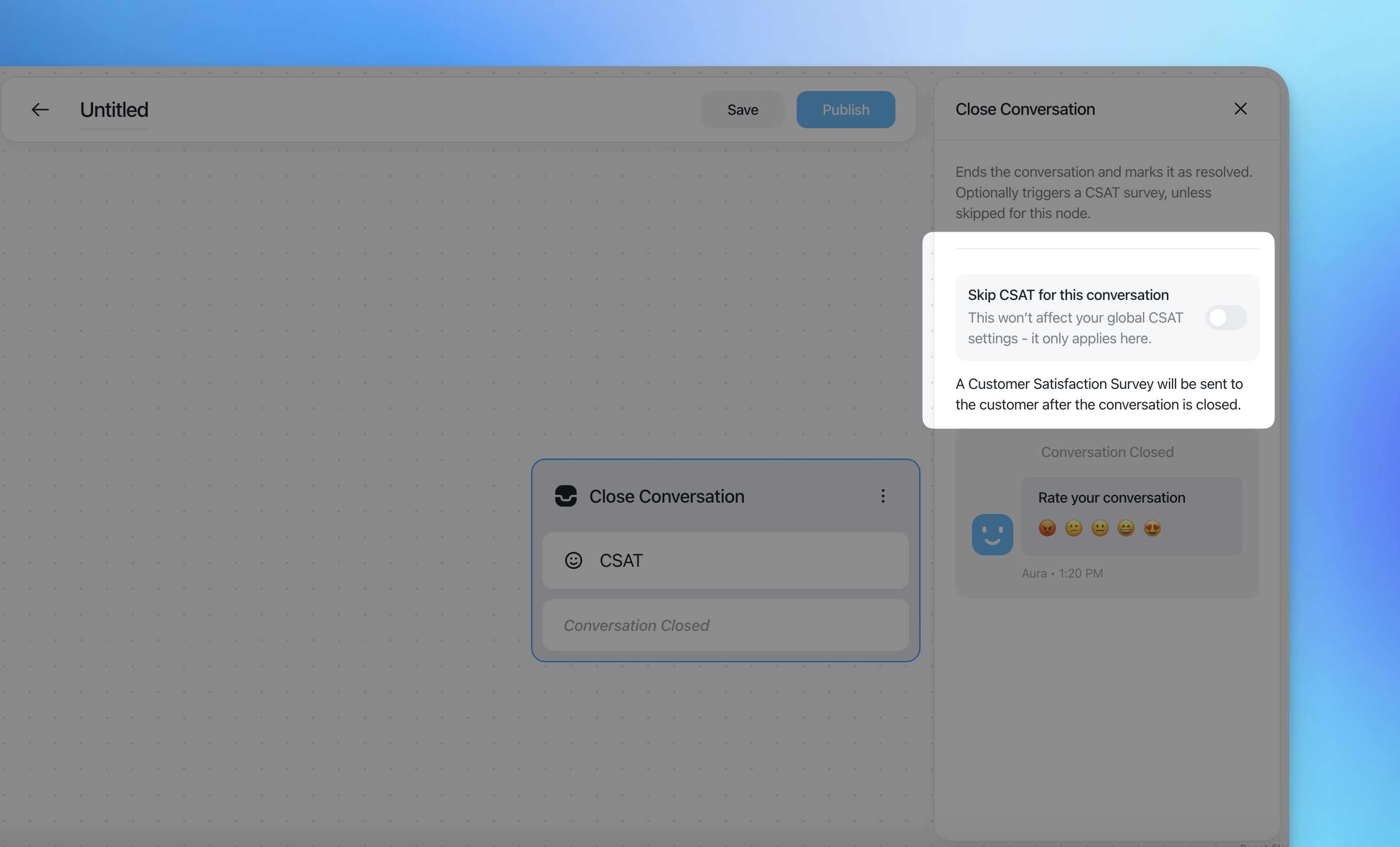
This setting only applies to this action and does not affect global CSAT settings.
Snooze Conversation
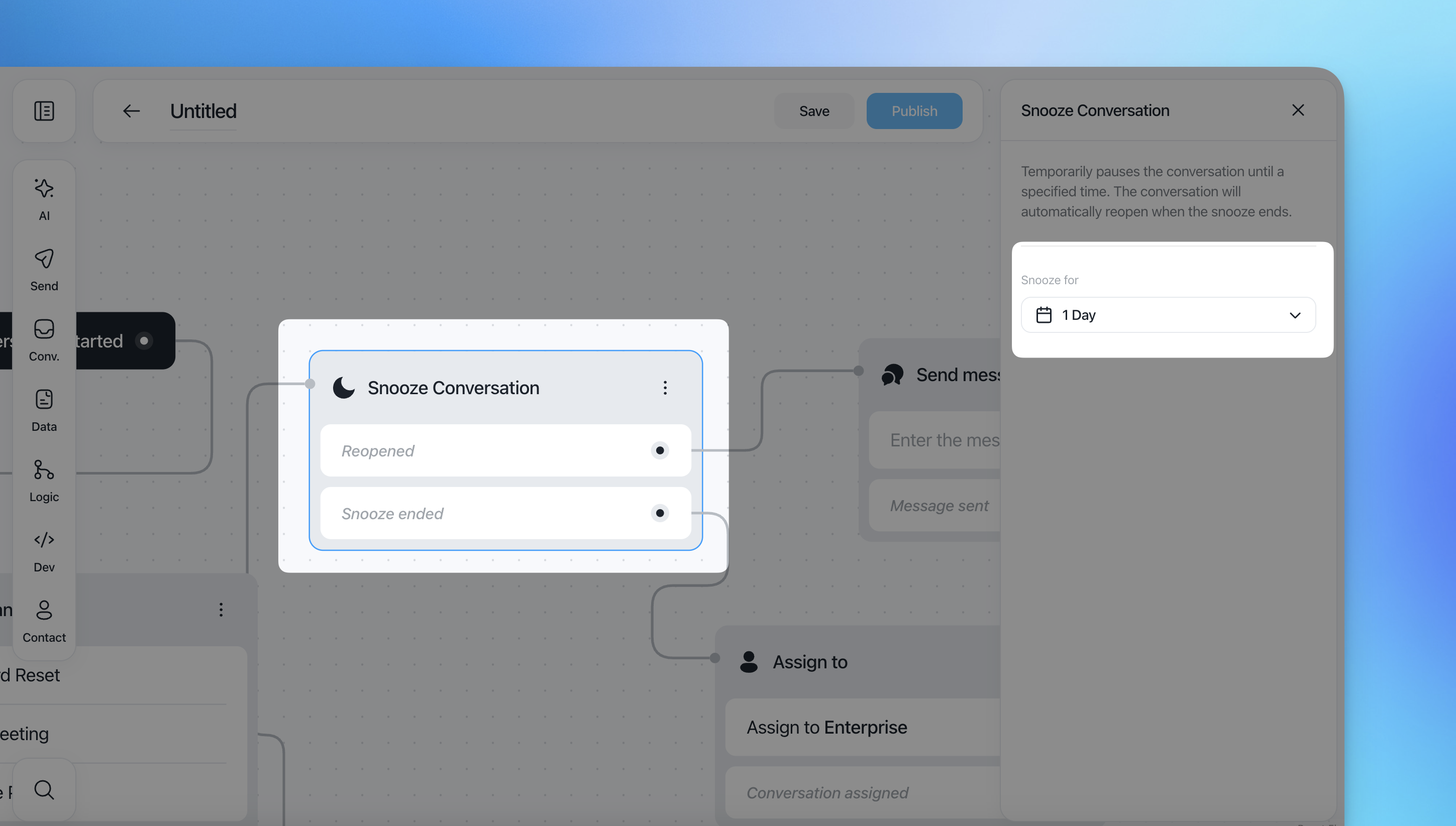
Temporarily pauses a conversation until a specific time.
While snoozed, the conversation is hidden from the active inbox and will automatically reopen when the snooze period ends.
Snooze duration
1 Day
1 Week
1 Month
1 Year
This action exposes two outcomes you can connect to:
Reopened
Snooze ended
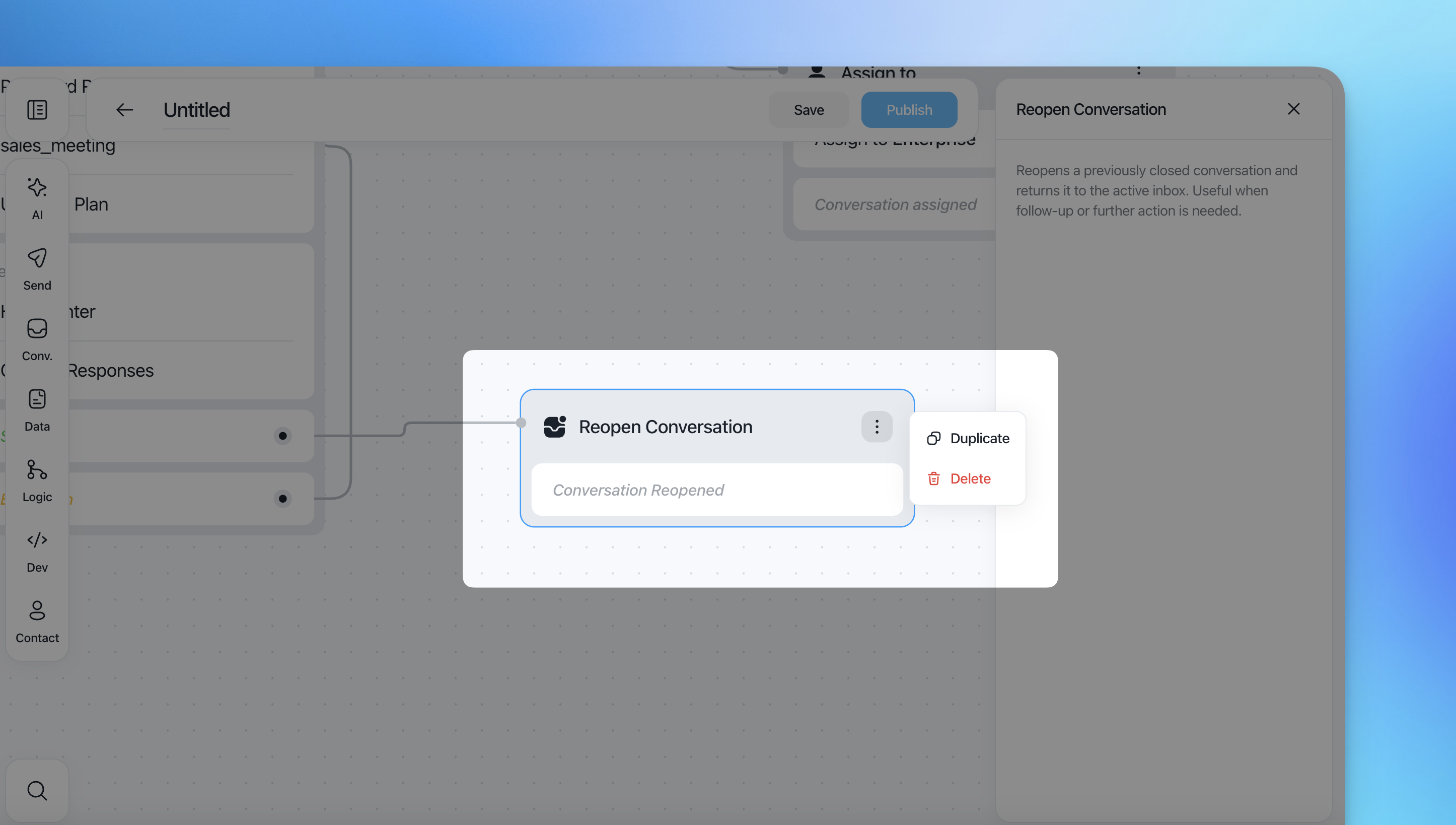
Reopen Conversation
Reopens a previously closed conversation and returns it to the active inbox.
This action has no additional configuration.
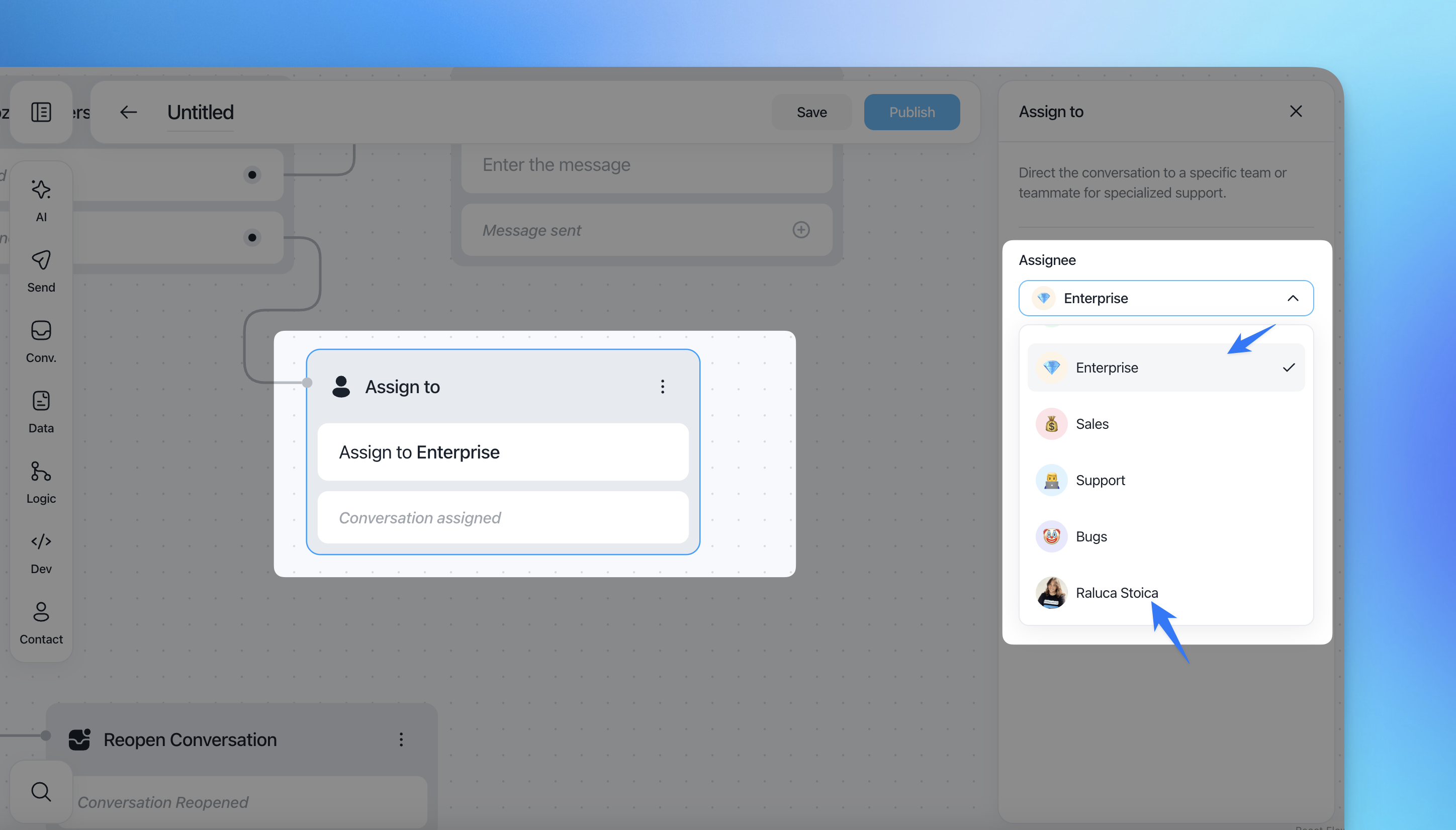
Assign to
Assigns the conversation to a specific team or teammate.
Configuration
Assignee: Select a team or an individual teammate
Use this action when: conversations need to be routed to a specific team (e.g. Sales, Support, Bugs).
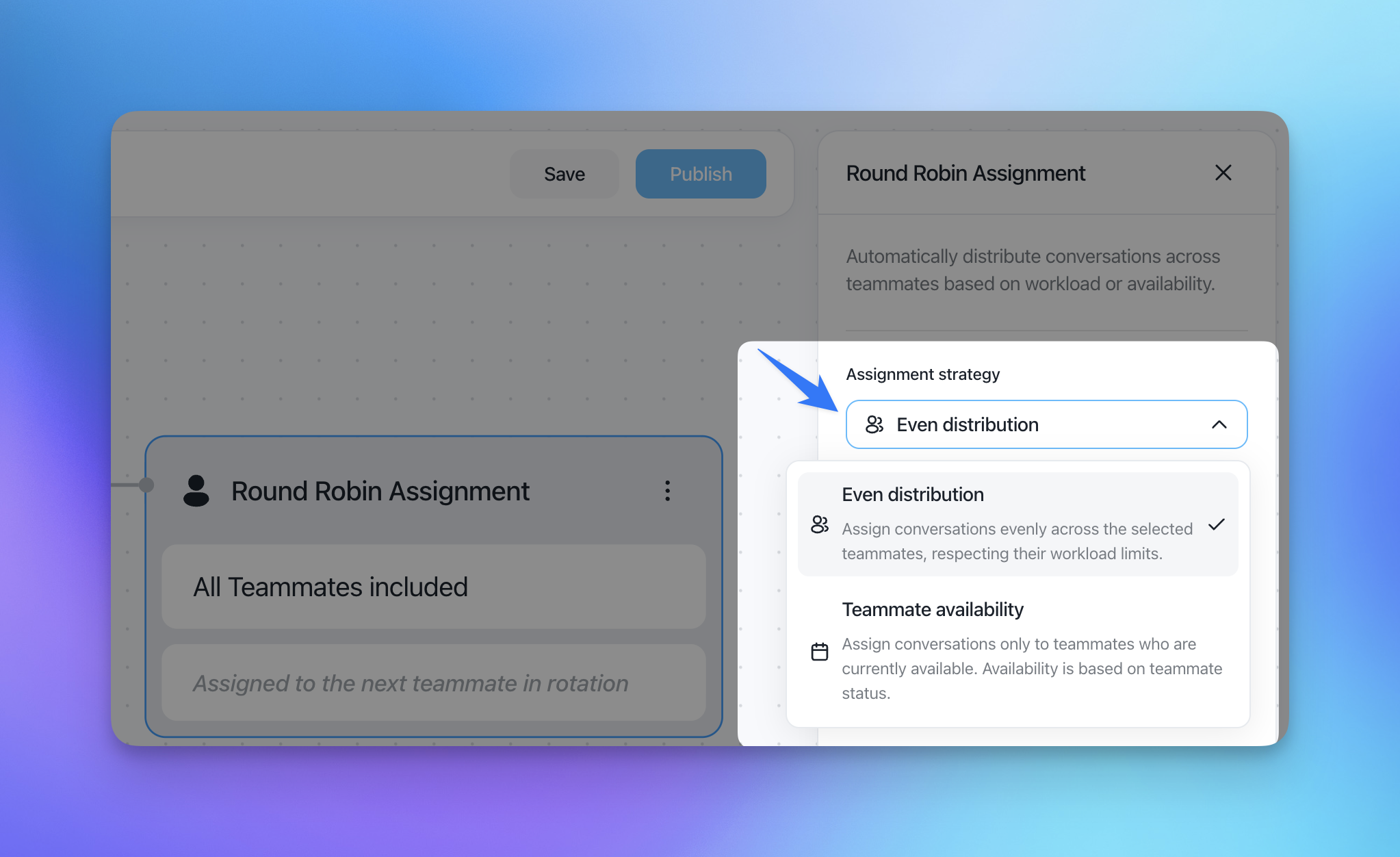
Round Robin Assignment
Automatically assigns conversations across teammates using rotation and capacity rules.
Configuration options
Assignment strategy
Even distribution based on team workload
Teammate availability based on their status (online or away, manually set)
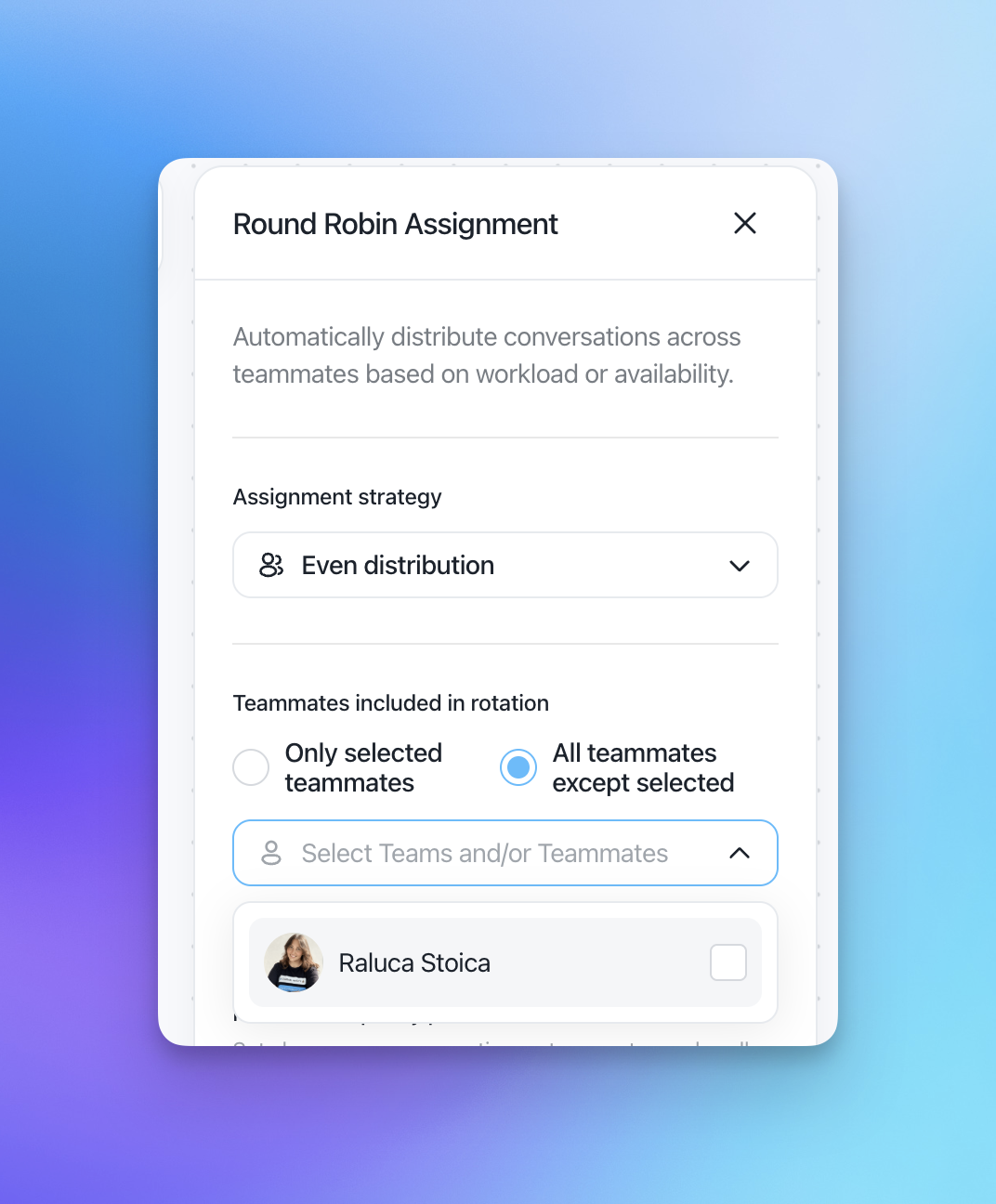
Teammates included in rotation
Only selected teammates
All teammates except selected
You can select teams and/or individual teammates.
Maximum capacity per teammate
Defines how many conversations a teammate can handle simultaneously
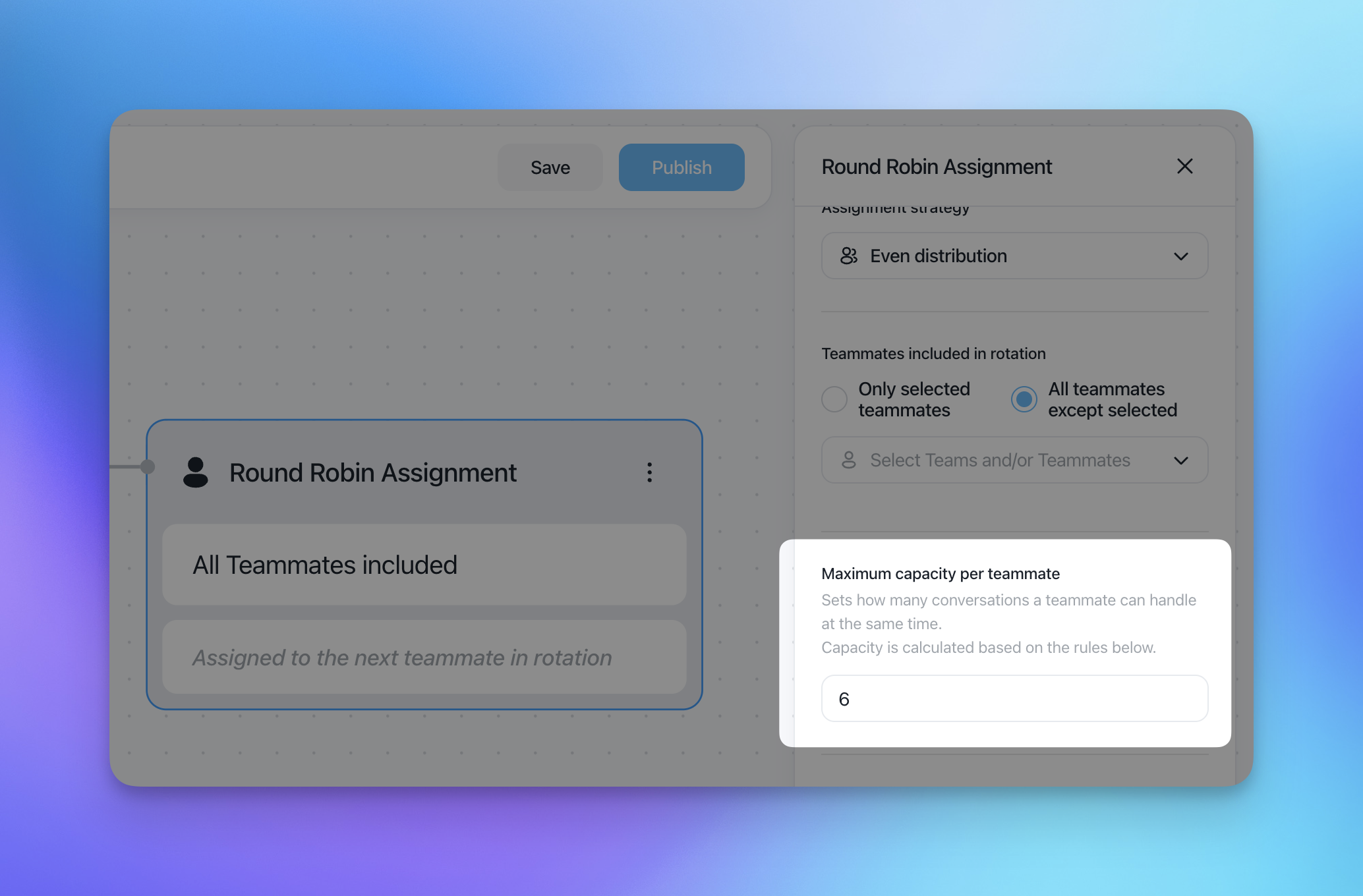
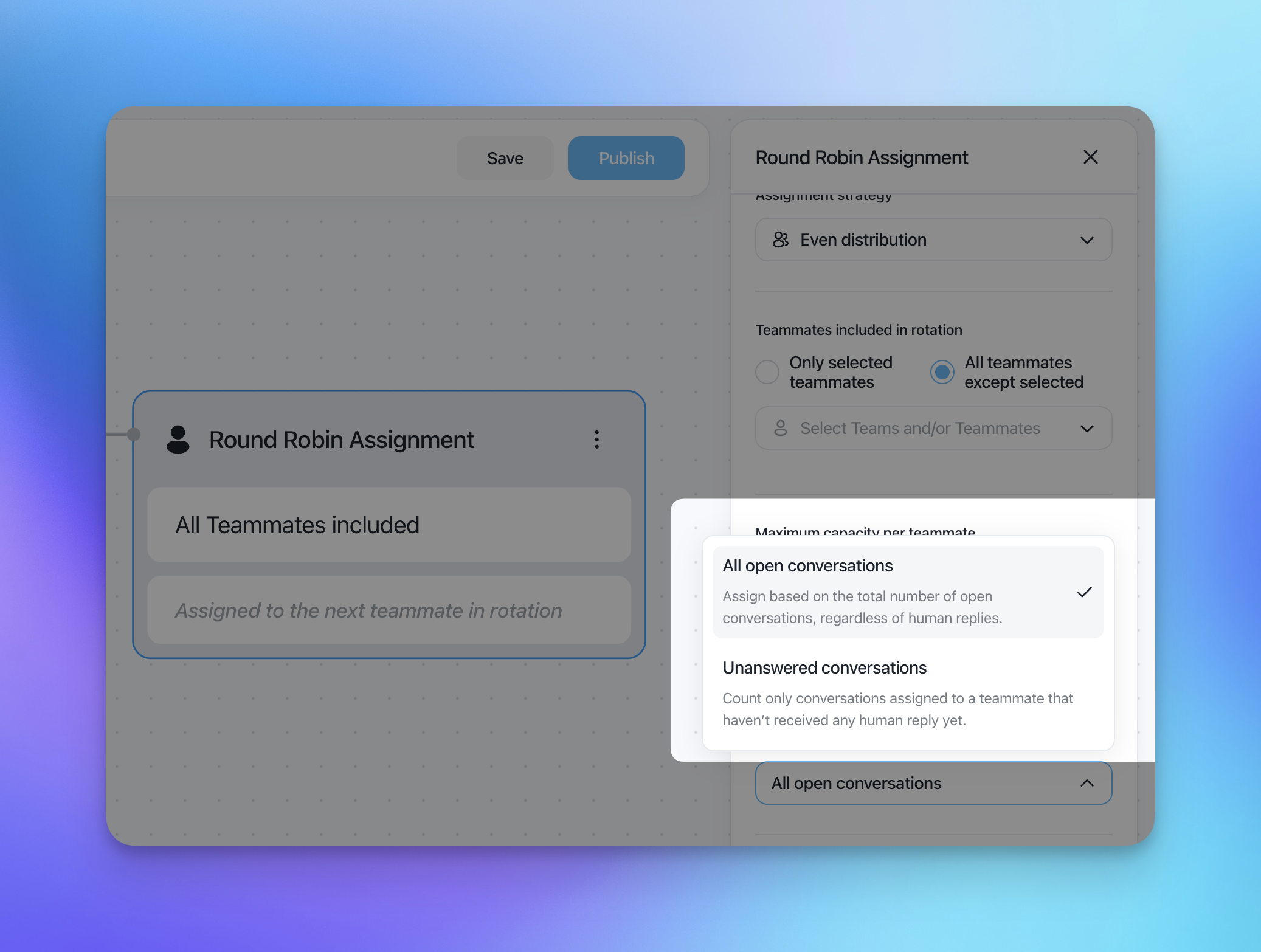
How capacity is calculated
All open conversations: includes every open conversation assigned to a teammate, regardless of tags, priority, or whether a human reply has already been sent.
Unanswered conversations: includes only conversations assigned to a teammate that have not yet received a human response. These may have no reply at all or only an AI-generated reply as the first response.
Example:
Assume a teammate has a maximum capacity of 10 conversations.
Currently, the teammate is assigned 10 open conversations:
6 conversations already have a human reply → these do not require immediate action
3 conversations have only an AI reply → these still require a human response
1 conversation has no reply at all → this still requires a human response
This means:
Unanswered conversations: 4 (3 AI-only + 1 with no reply)
Conversations that still need to be managed: 4
Because the teammate can handle up to 10 unanswered conversations, and 4 are already pending, the teammate can receive:
10 − 4 = 6 additional conversations
that have no human reply or only an AI reply.➡️ The teammate's current available capacity is 6.
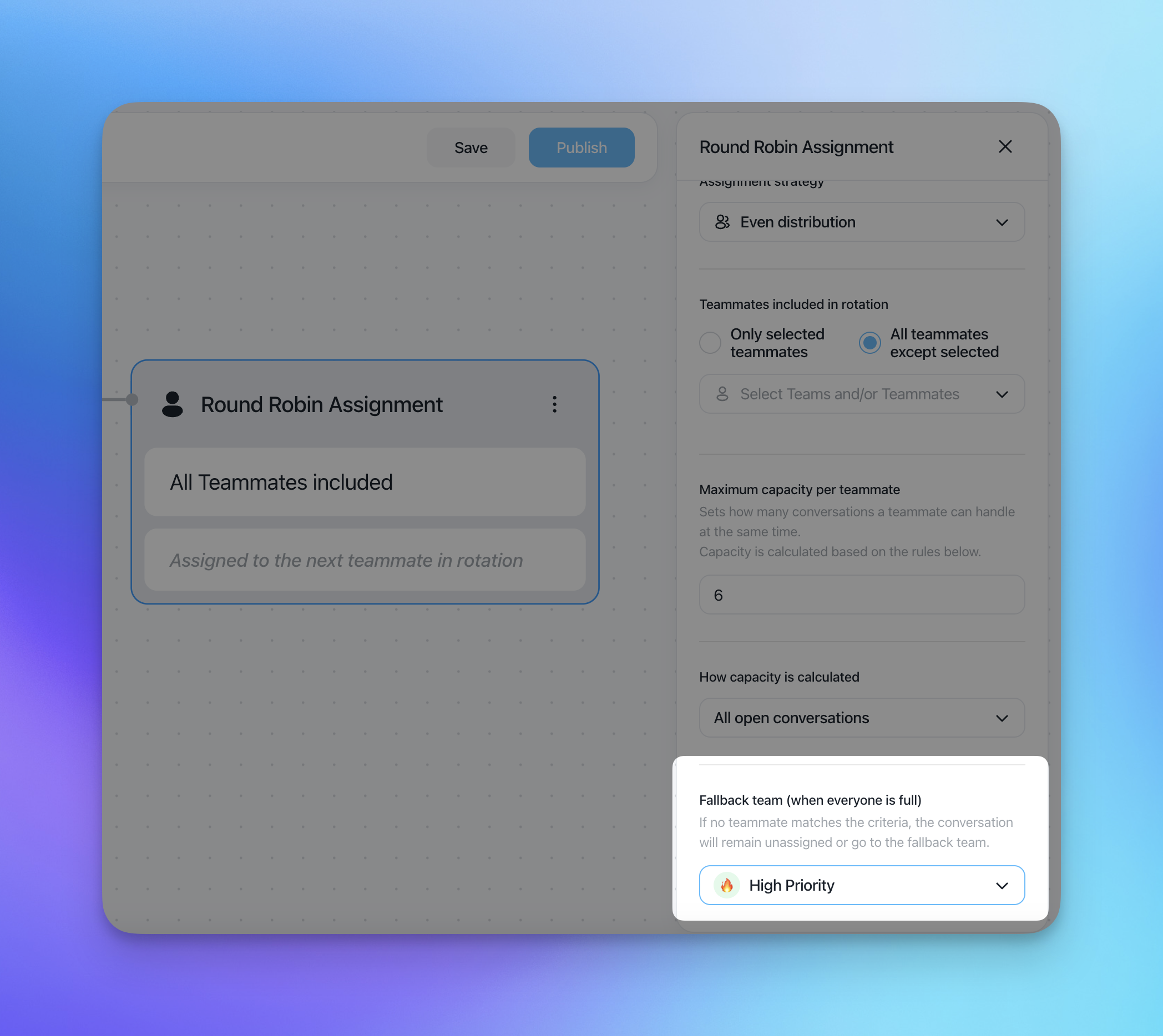
Fallback Team
Used when no teammate matches the capacity rules
The conversation will be assigned to this team until an agent is available to get a conversation.
Create a dedicated flow with Round Robin action to re-assign conversation from fallback team to teammates
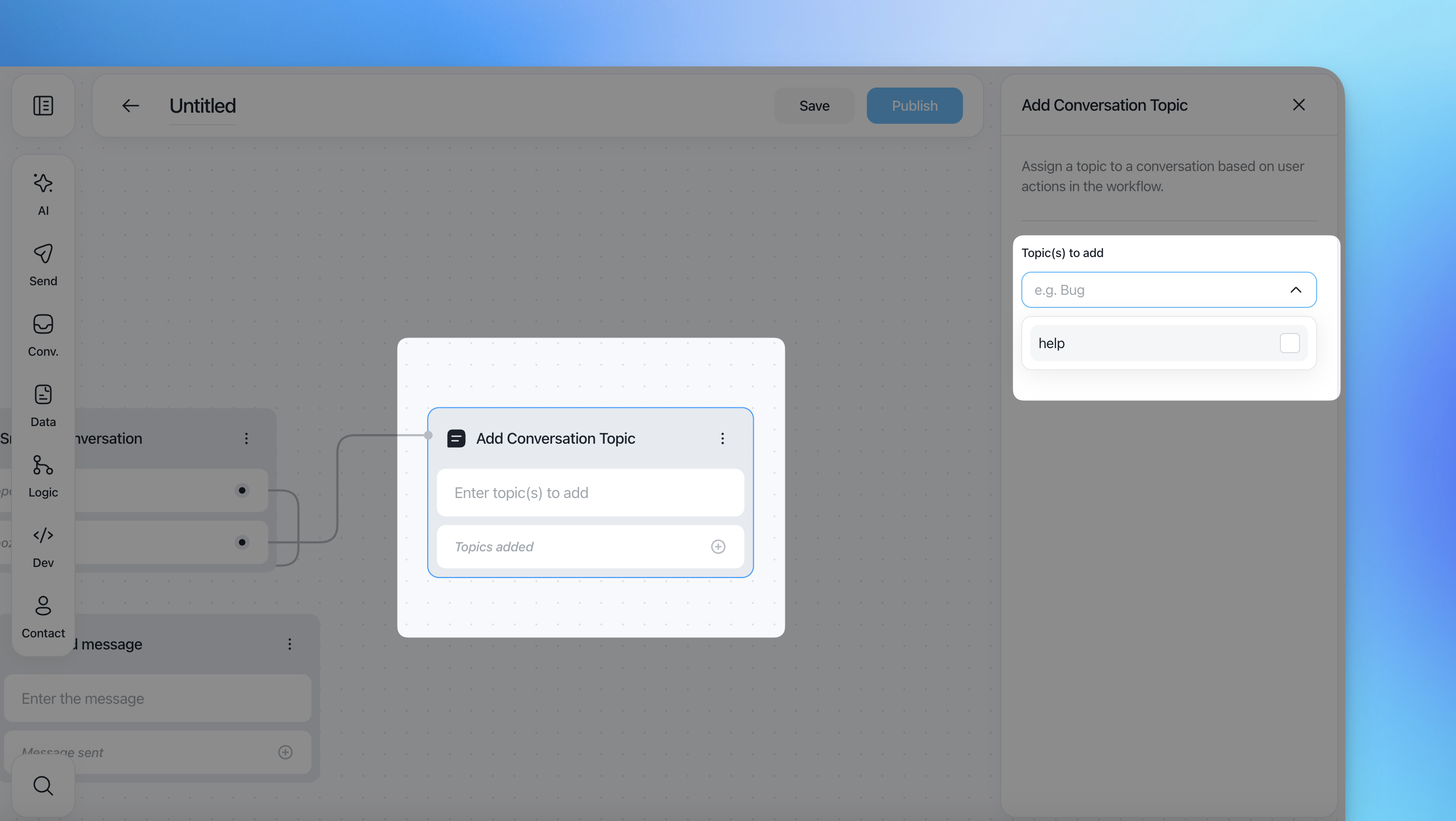
Add Conversation Topic
Adds one or more topics to the conversation.
Topics are used for classification, reporting, and flow logic.
Configuration
Select one or more topics to add
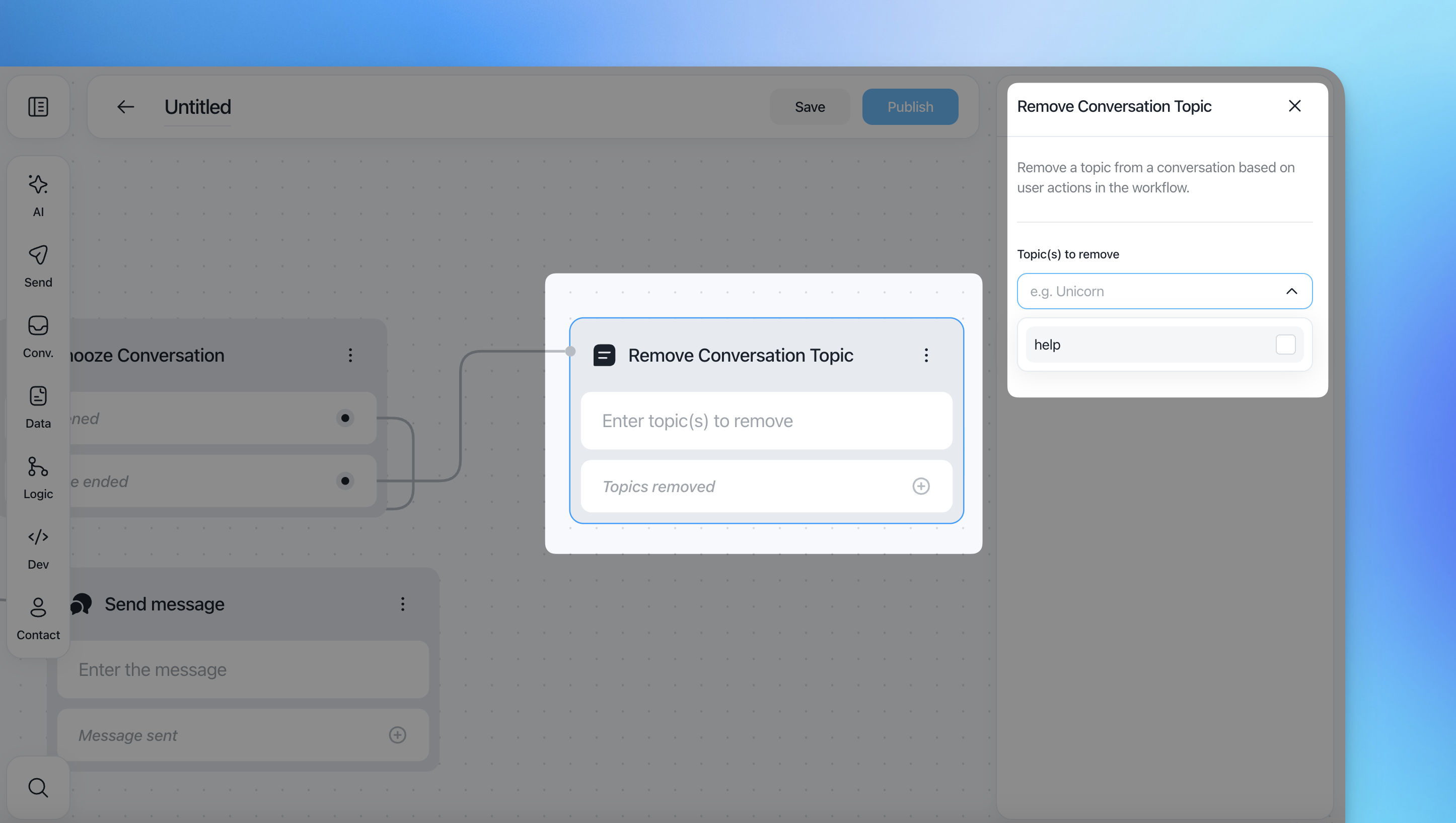
Remove Conversation Topic
Removes existing topics from the conversation.
Configuration
Select the topic(s) to removed.
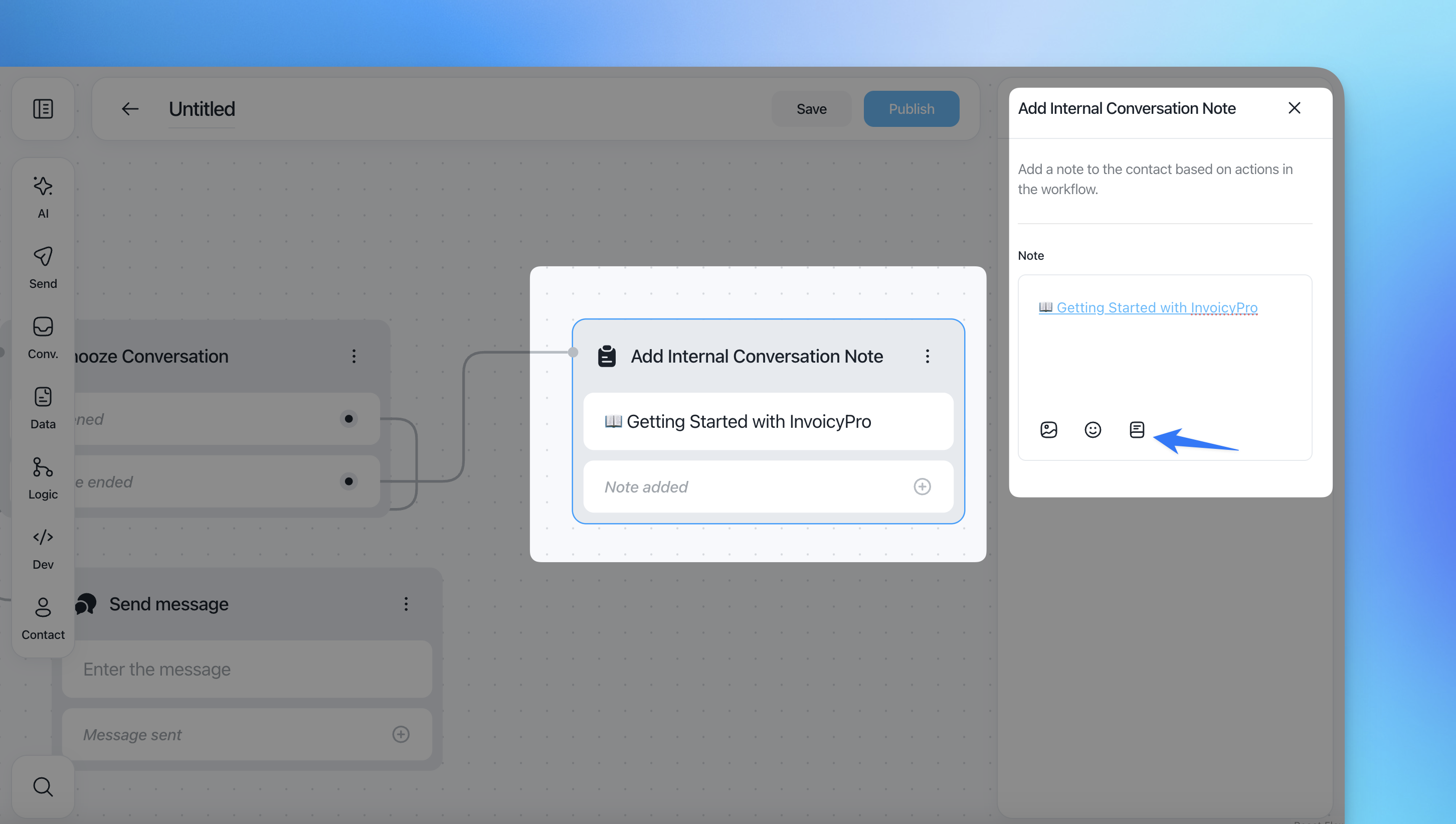
Add Internal Conversation Note
Adds an internal-only note to the conversation.
Internal notes are visible to teammates but never shown to the customer.
Configuration
Note text (free-form)
Add article, emoji and images
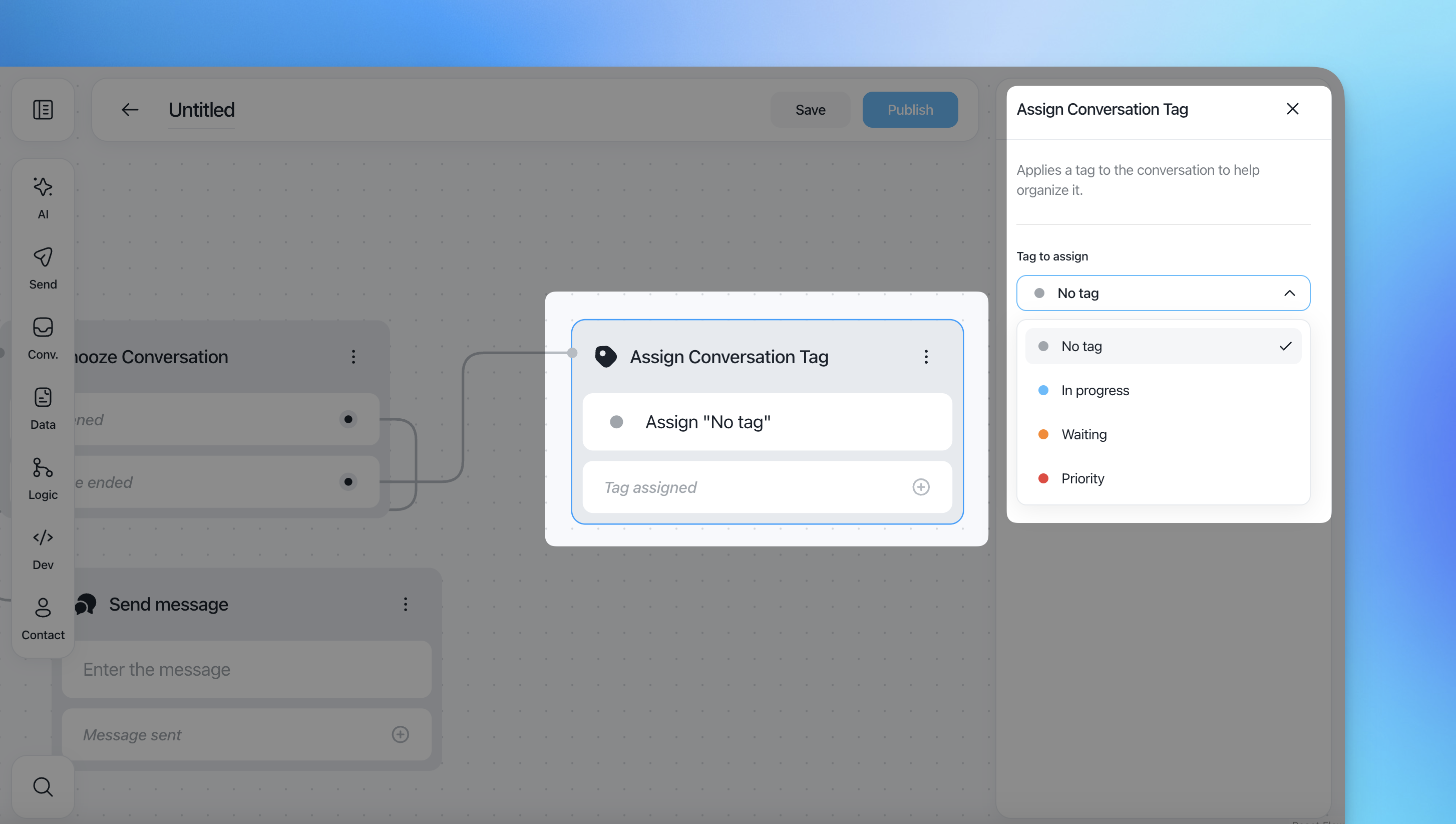
Assign Conversation Tag
Applies a tag to help organize conversations.
Available tag options
No tag
In progress
Waiting
Priority