
The Set Property action in flows enables you to assign values to specific properties dynamically. These properties can be related to the user, company, or conversation, allowing for personalized and contextual interactions.
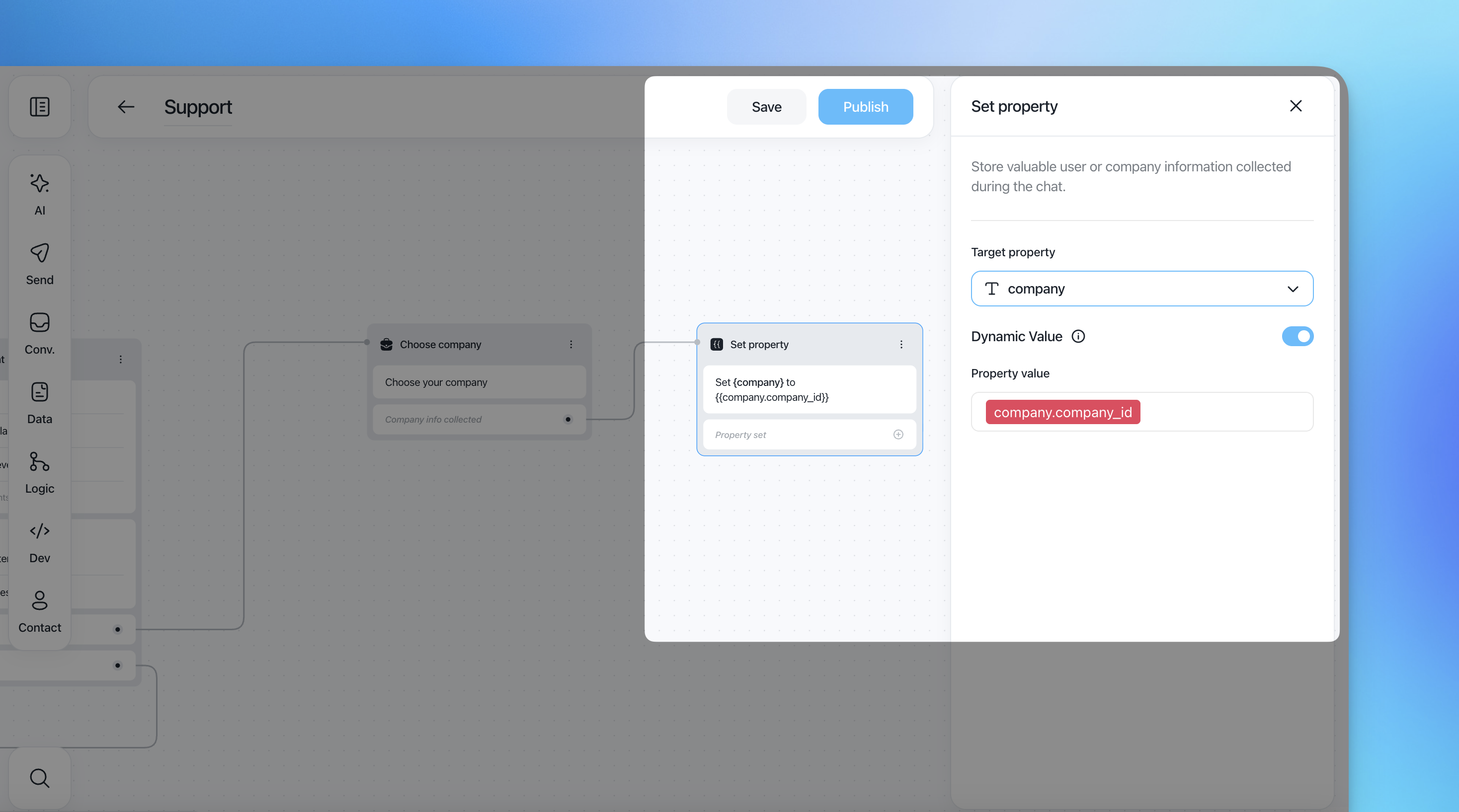
Setting Up the Set Property Action
Target Property: Choose the property you want to set. This can be a user, company, or conversation property.
Property Value: Define the value for the property. You can insert a static value, recall an existing property value, or mix a custom string with multiple properties.
How to Define Property Values
Direct Value: Enter a static value directly.
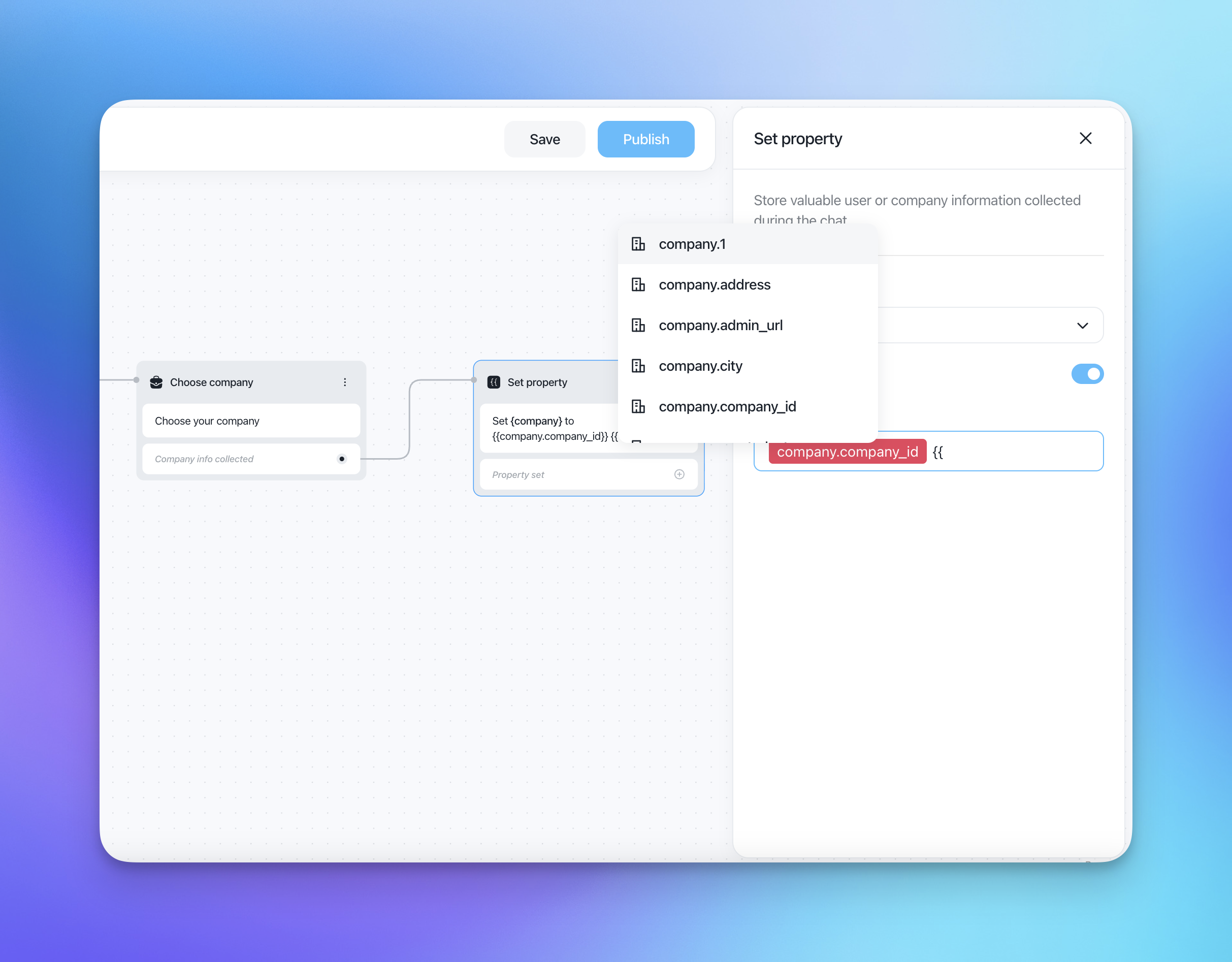
Existing Property: Recall and use an existing property by writing
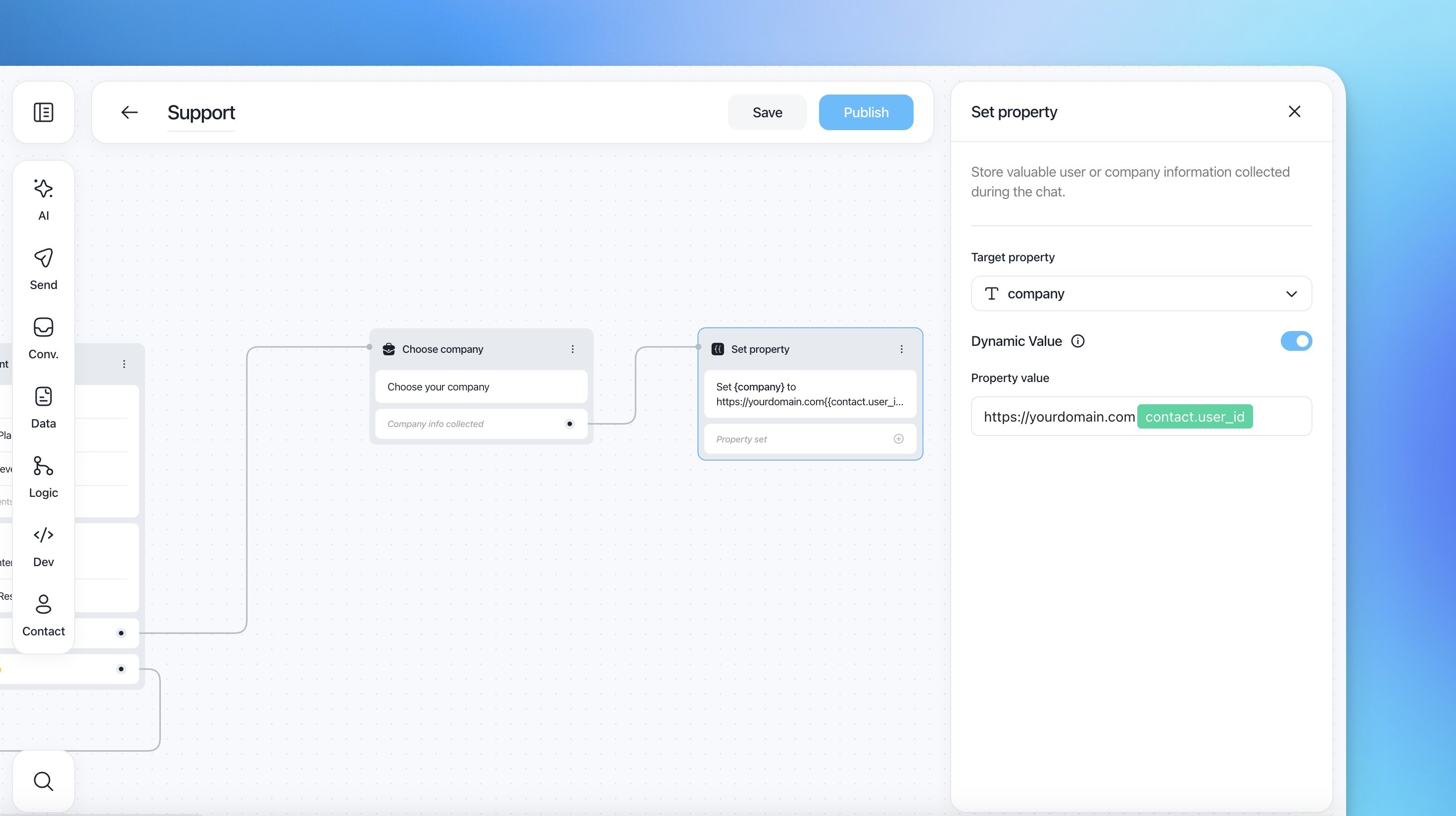
{{and selecting from the dropdown.Mixed Value: Combine custom strings with properties. For example, construct a URL with user ID:
https://yourdomain.com/{{user.id}}
Example Uses
Personalized URLs
Scenario: Create a personalized URL for each user.
Configuration:
Target Property:
custom_user_urlProperty Value:
https://yourdomain.com/{{user.id}}
Flow: The flow assigns a unique URL to each user, which can be used in subsequent messages or actions.
Dynamic Data Collection
Scenario: Collect and set project ID based on user input.
Configuration:
Target Property:
transfer_data_from_project_idProperty Value:
{{company.company_id}}
Flow: The flow captures the company ID and sets it as the project ID for further processing or API calls.
Benefits of Using Set Property Action
Flexibility: Dynamically assign values to properties based on user interactions and existing data.
Personalization: Enhance user experience by personalizing messages and actions using contextual data.
Efficiency: Streamline data management by automatically setting and updating properties during flows.
The Set Property action in flows provides a versatile way to manage and utilize dynamic data within your customer interactions. By defining and assigning property values effectively, you can create highly personalized and efficient flows, improving overall customer experience.