
The Company Chooser action in flows triggers a selector in the chat, enabling users to choose their associated company.
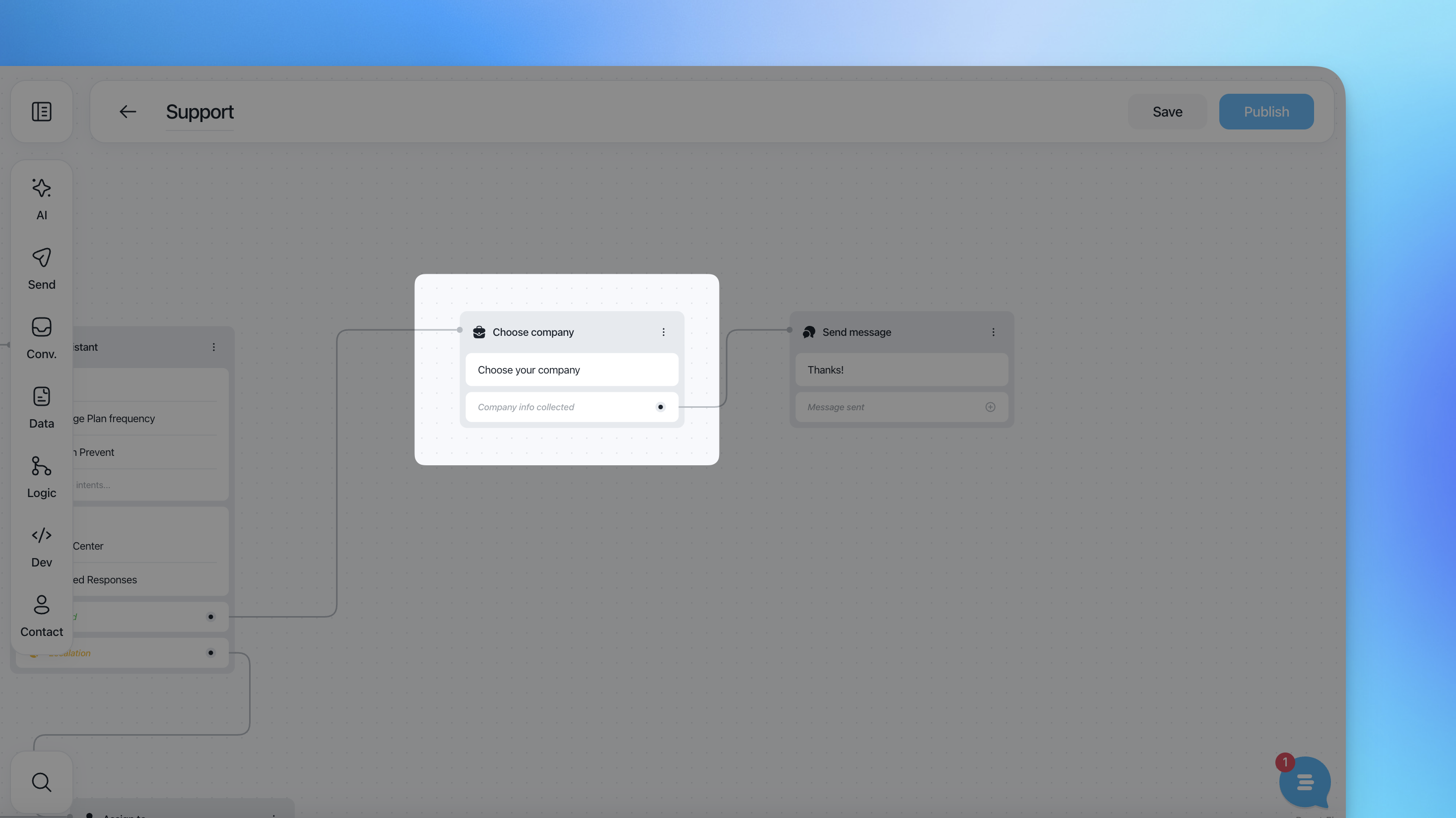
Once a selection is made, the action automatically sets the chosen company and all its related properties under the {{company}} object.
This allows businesses to use company-specific data in REST API actions, messages, and other actions.
Setting Up the Company Chooser Action
Trigger Selector: The Company Chooser action presents a list of companies related to the user for selection.
Automatic Setting: Once the user selects a company, the action sets the chosen company and its properties.
Utilize Company Properties: Use {{company.name}}, {{company.id}}, and other properties in subsequent actions like REST API calls or message actions.
REST API Integration
Scenario: Integrating with an external service using company data.
REST API Call:
Method: POST
URL:
https://api.example.com/companiesHeaders:
Authorization:
Bearer {{api_token}}
Body:
{
  "company_id": "{{company.id}}",
  "company_name": "{{company.name}}",
  "contact_email": "{{user.email}}"
}
Flow: The user selects their company, and the selected company's properties are used in the API request to integrate with an external service.