Flow actions are the building blocks of your Flow, determining what happens at each step of the automation. These actions help guide, inform, and assist customers, ensuring a smooth and efficient interaction. Flows support a comprehensive set of actions spanning AI-powered chat, messaging, data management, outbound communication, contact management, and conditional logic.
Types of Flows Actions
AI Actions
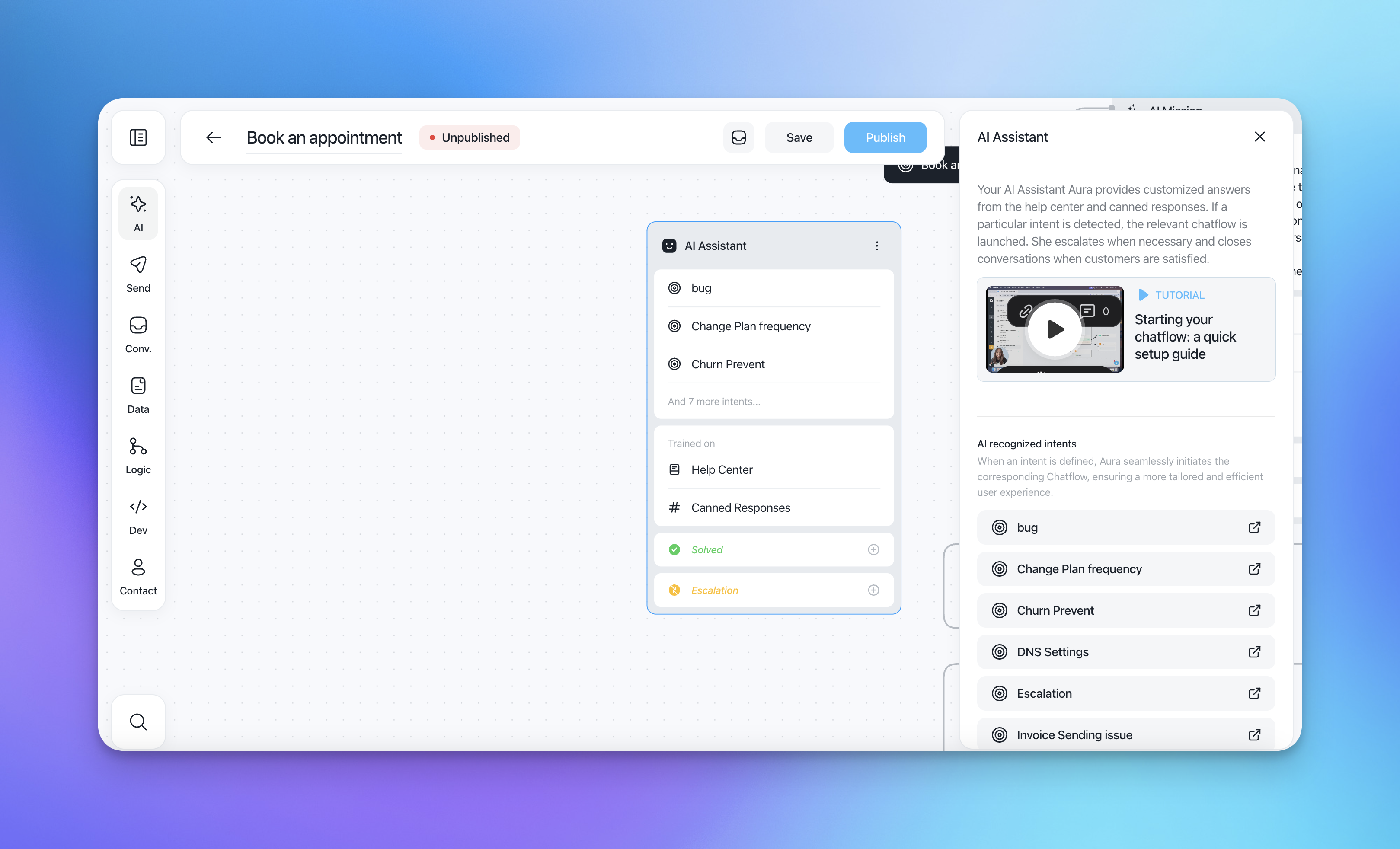
AI Assistant
Engage the AI Assistant to handle customer queries autonomously, providing instant responses and escalating issues when necessary.
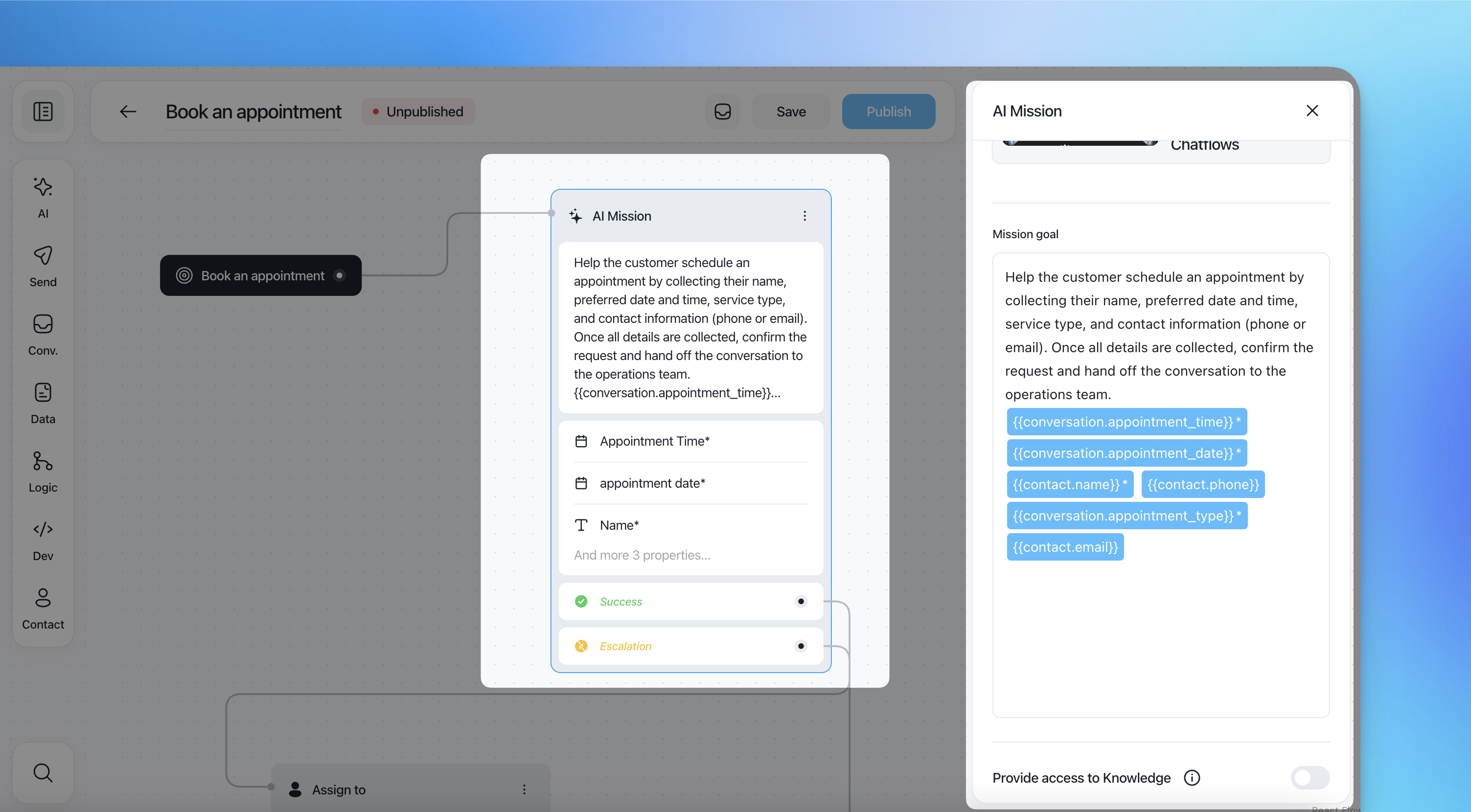
AI Mission
Automate complex tasks by setting up AI Missions that collect data, process information, and complete specific goals.
Message Actions
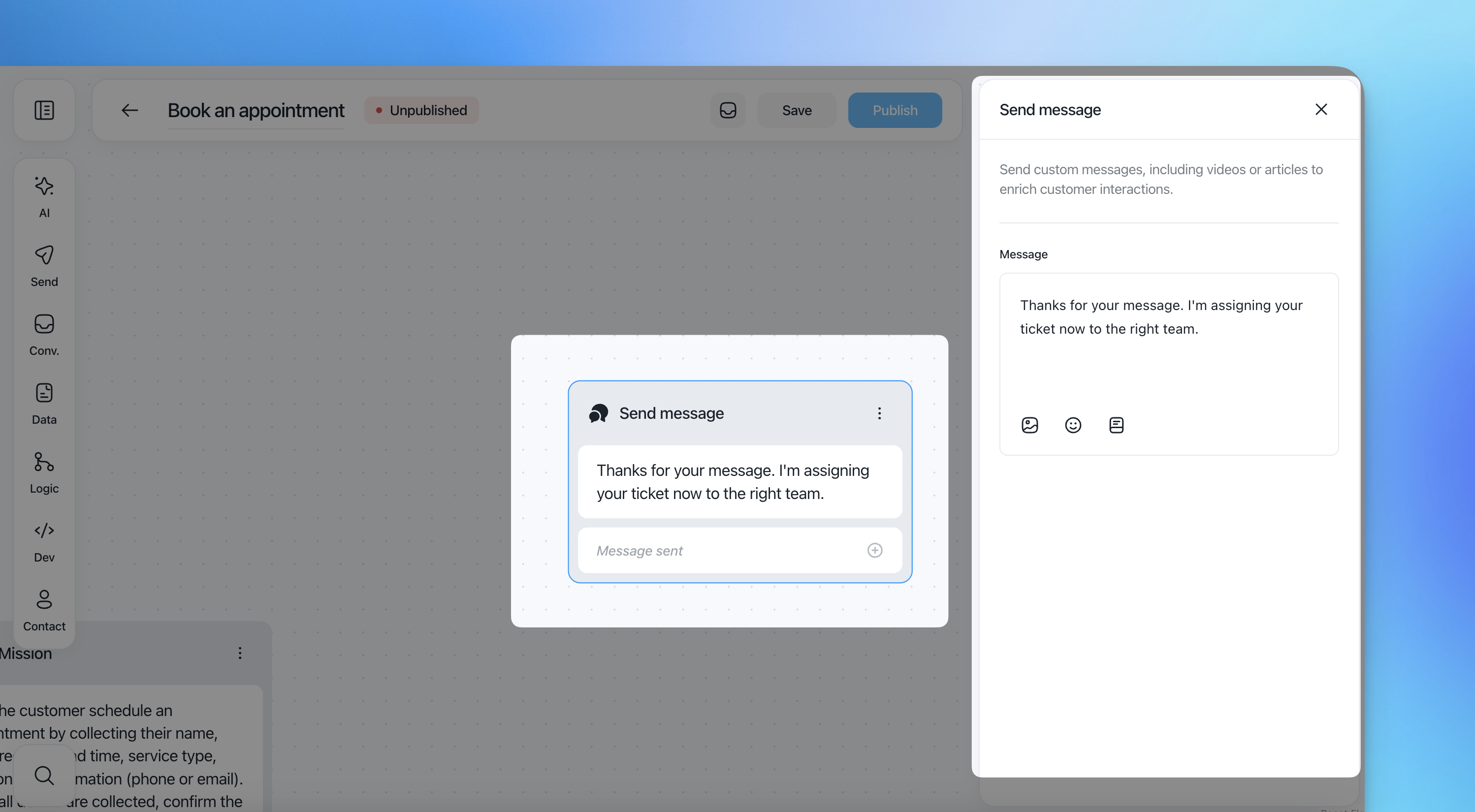
Send Message
Deliver rich text messages to users, including images, videos, links, and help center articles. This ensures comprehensive communication.
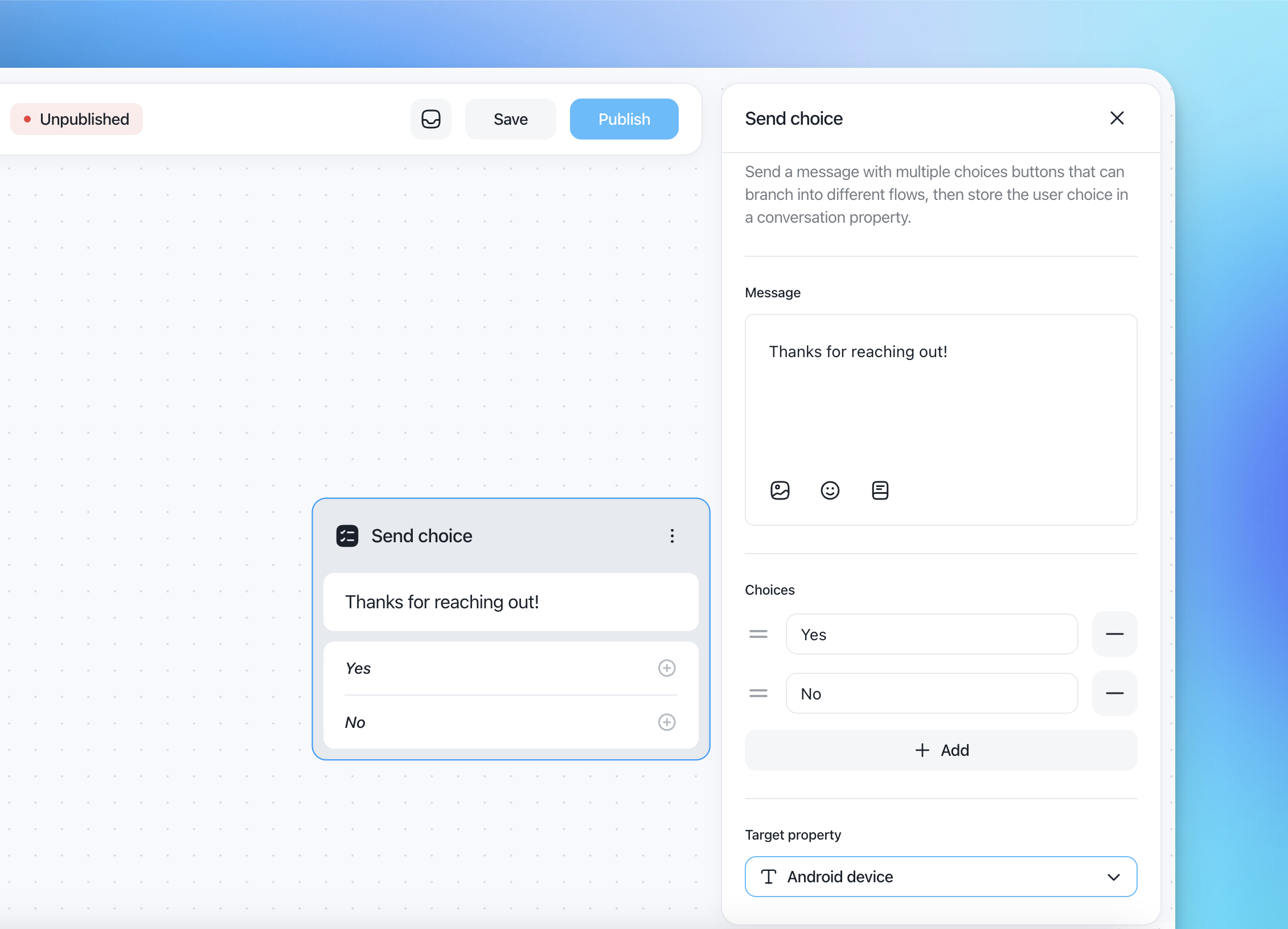
Choice
Present multiple options to customers, allowing them to choose between several paths. Each choice leads to a dedicated path in the Flow.
Data Actions
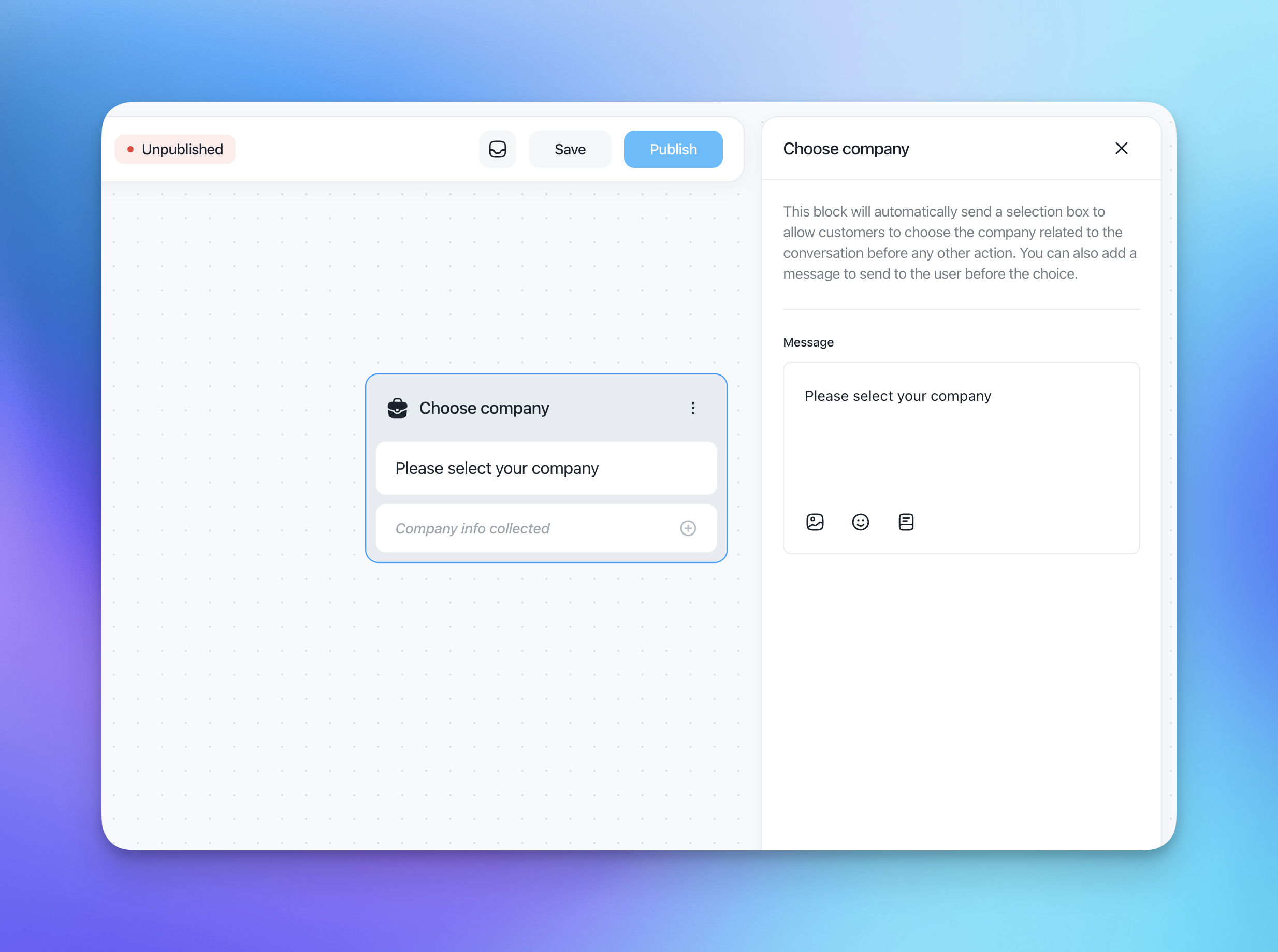
Choose Company
Send a selector to the user with their related companies. Once the user selects a company, it populates a company object you can access or use for REST API requests and more.
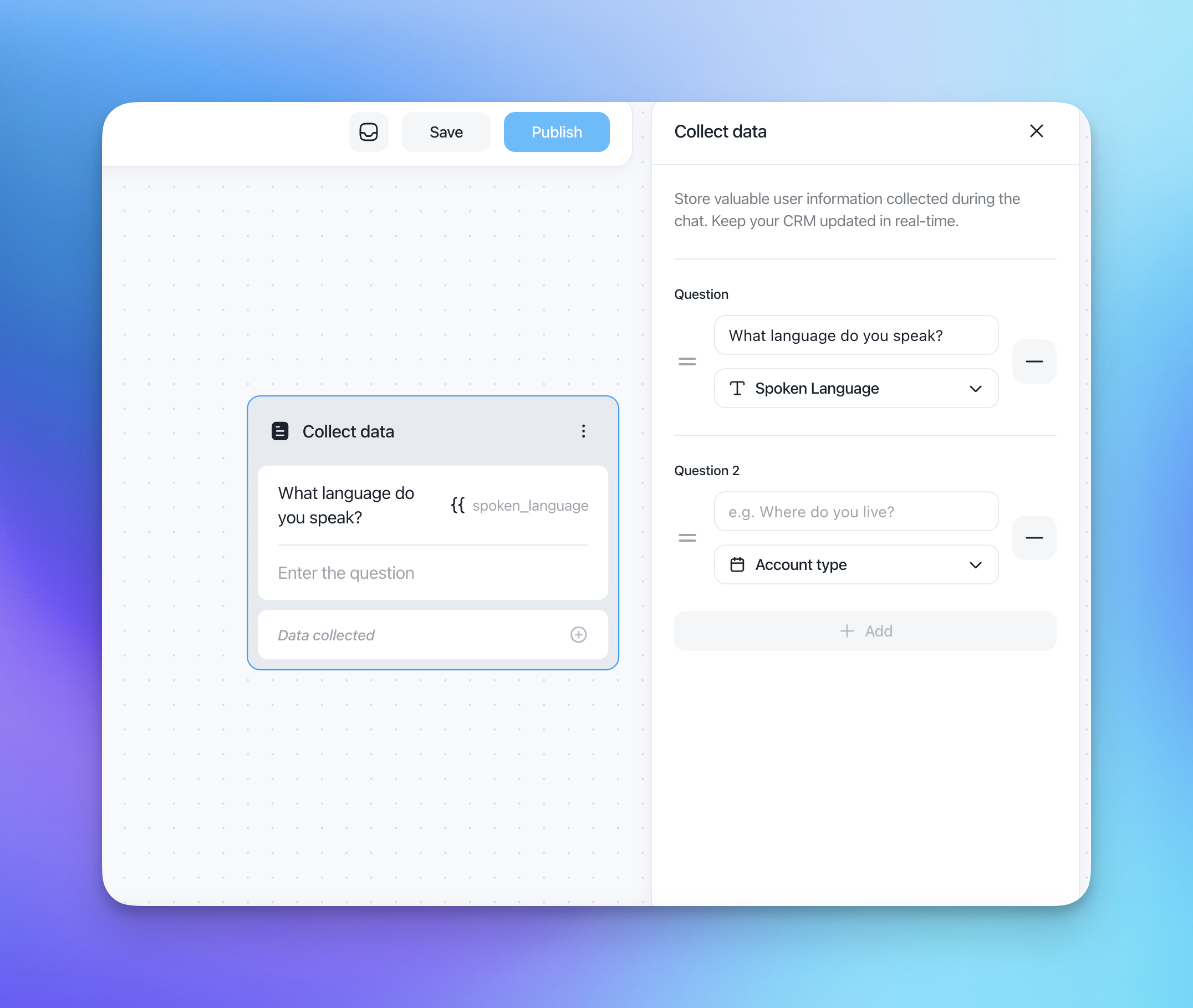
Collect Data
Gather information from the user in response to a custom question, storing the data in a conversation or contact property for future use.
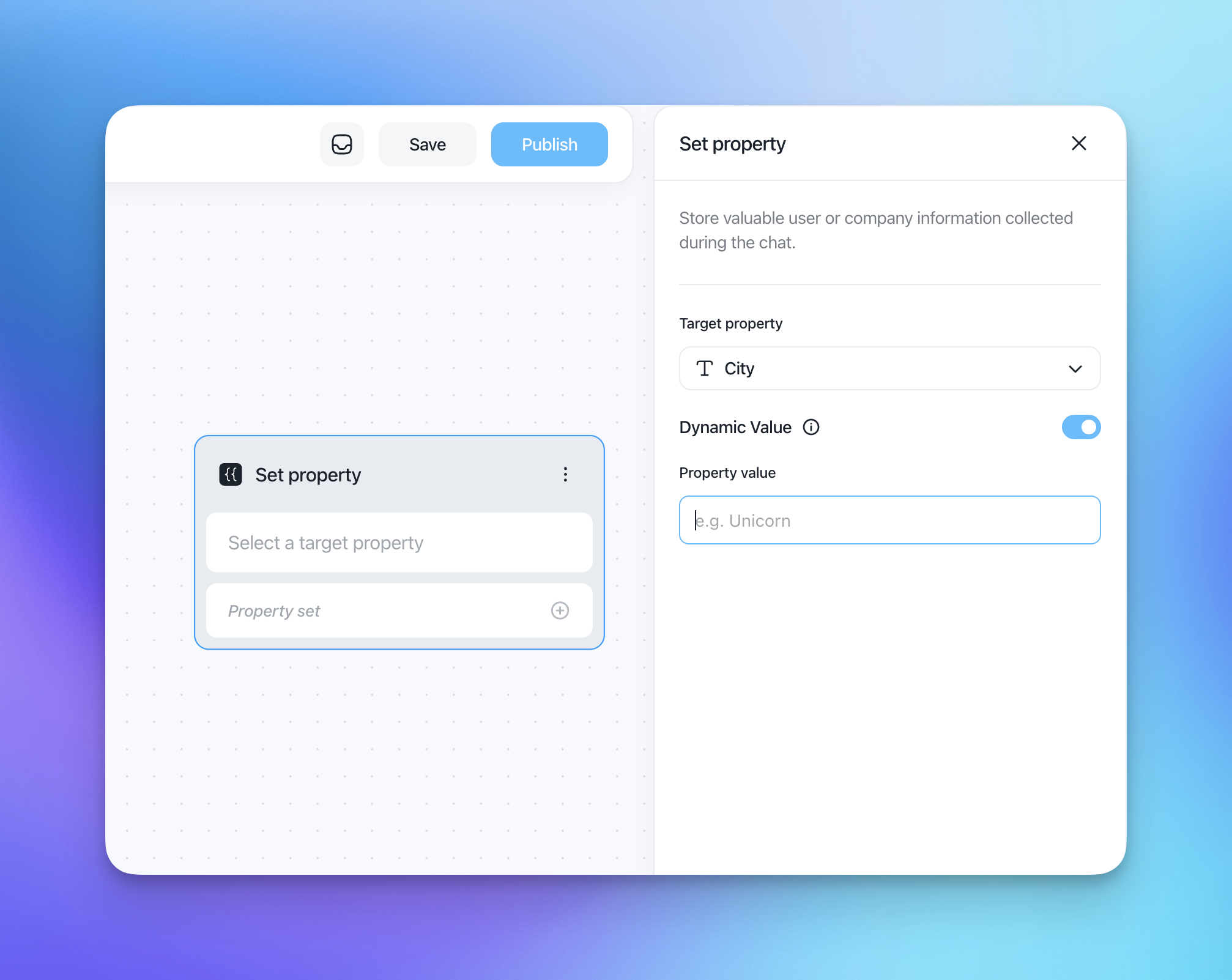
Set Property
Define specific properties or attributes for customer profiles, enhancing the personalization of interactions.
Logic Actions
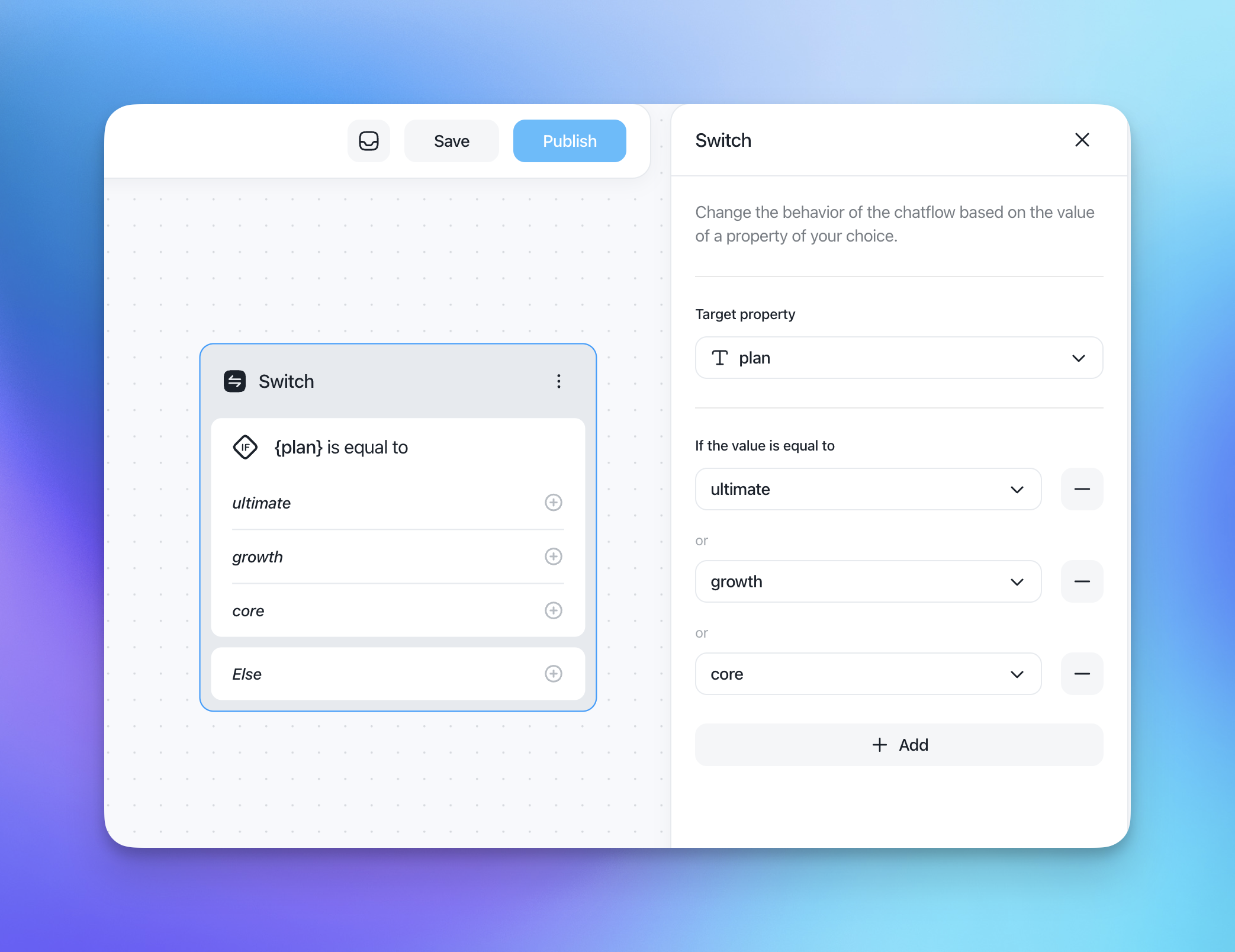
Switch
Select a property (contact/conversation/company) and define multiple paths based on the property's value. For example, split the Flow based on the user's city and create custom actions for each option.
Condition
Perform an immediate check on any Customerly filters you want to use. The outputs are true or false, allowing for conditional branching in your Flow.
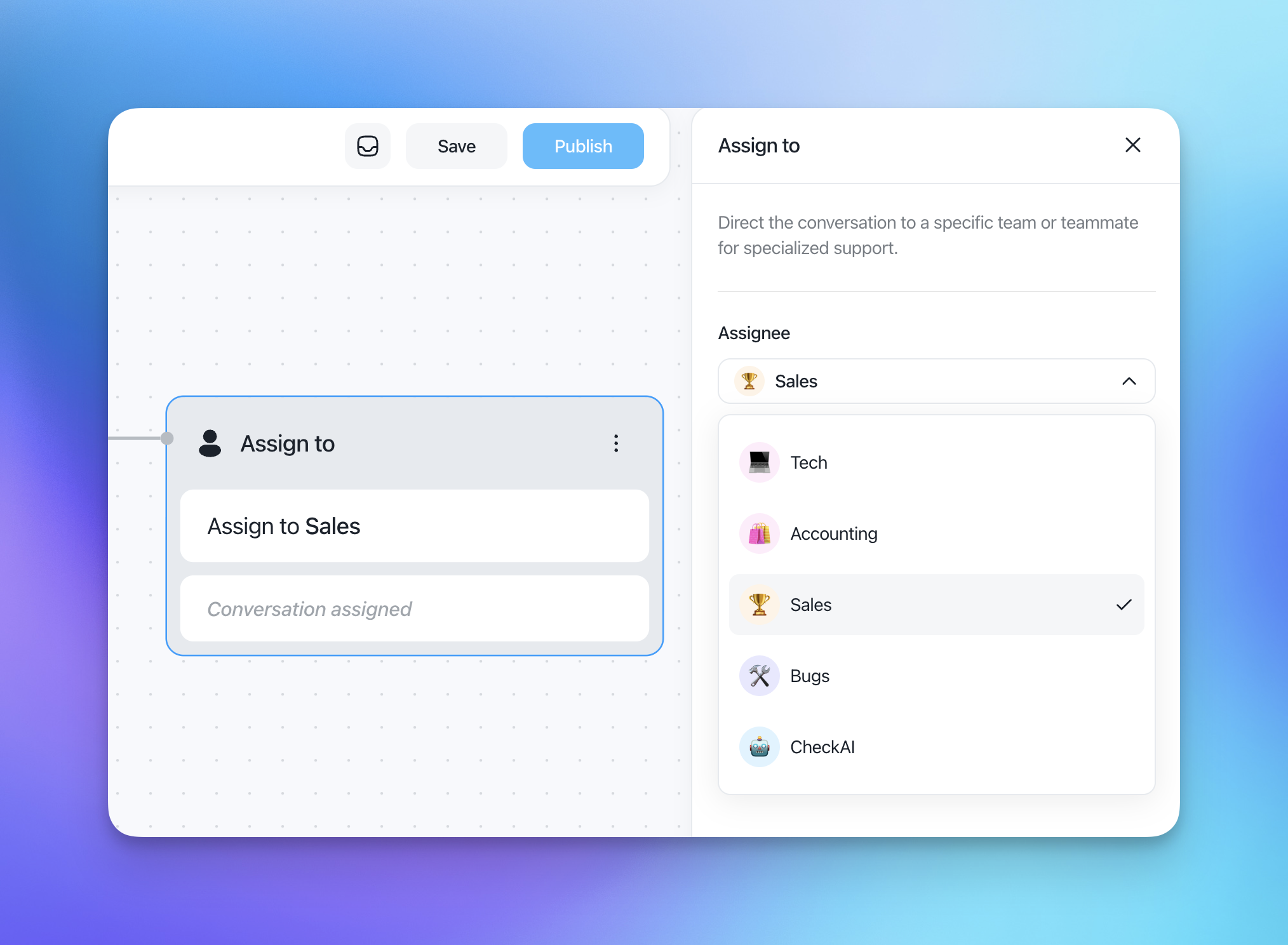
Assign to
Automatically assign conversations or tasks to the appropriate teammates or team, ensuring efficient handling.
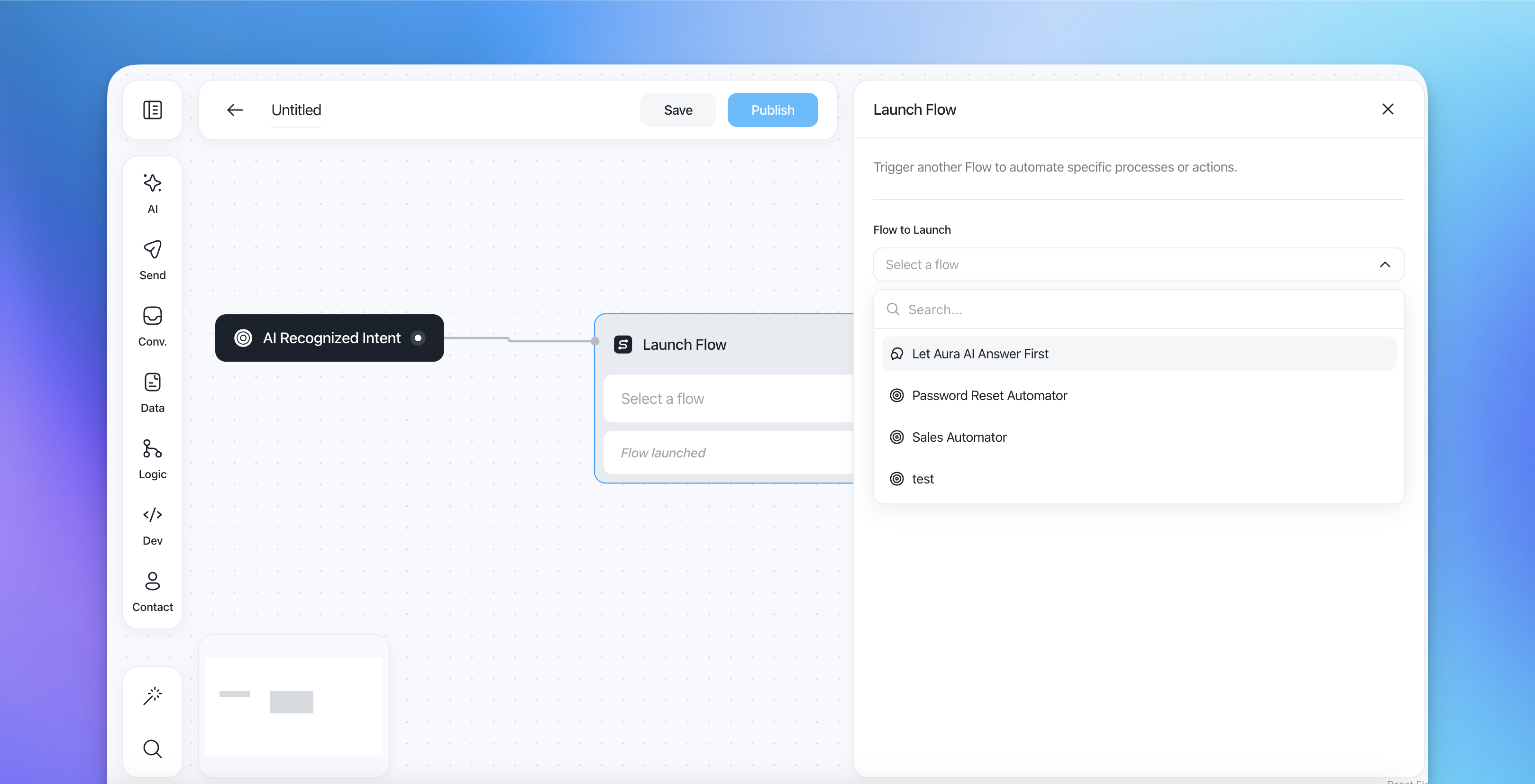
Launch Flow
Hand off the conversation to another specified Flow, allowing seamless transitions between different automations.
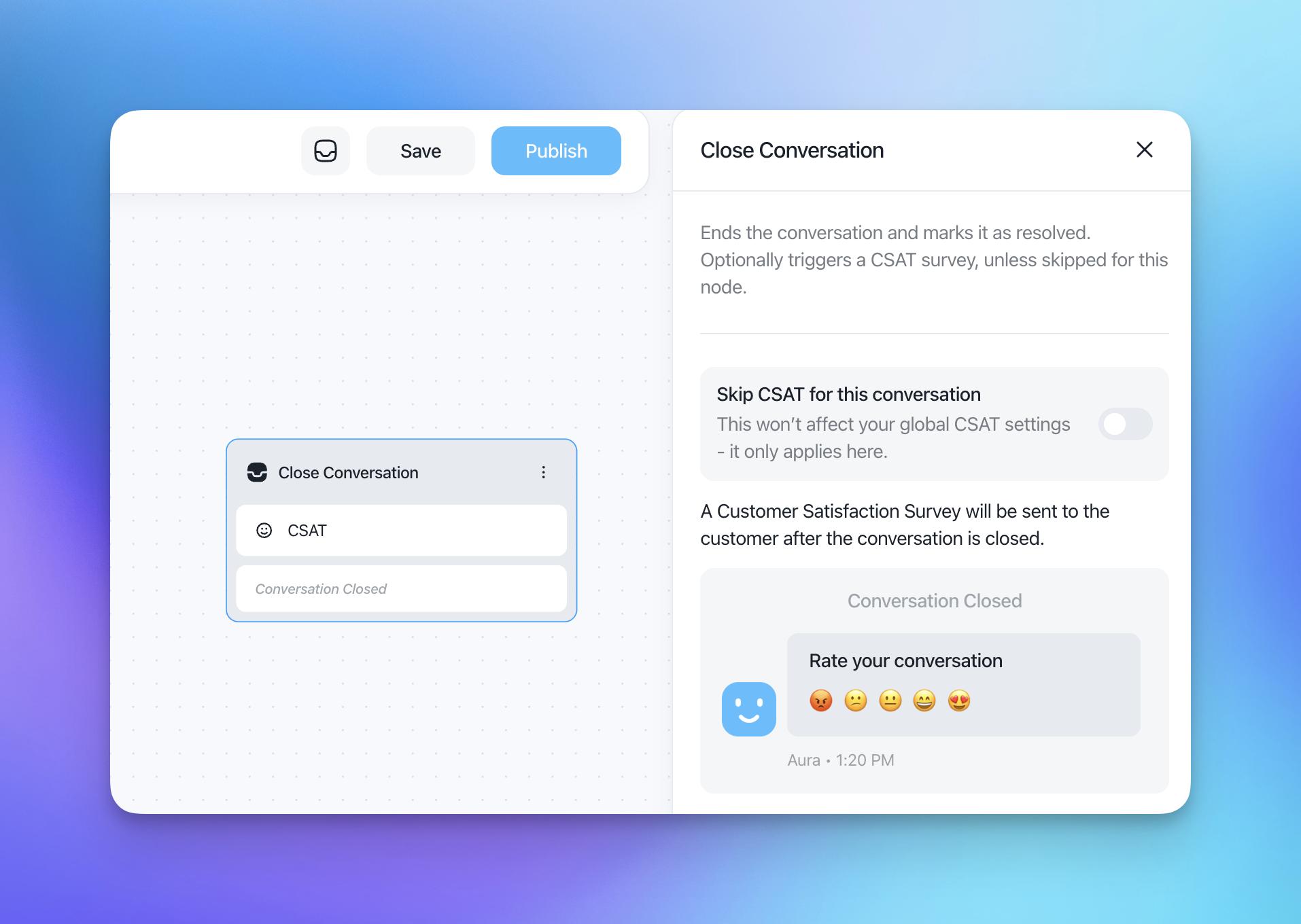
Close Conversation
End the conversation once the customer's issue is resolved, maintaining a clean automation.
Dev Actions
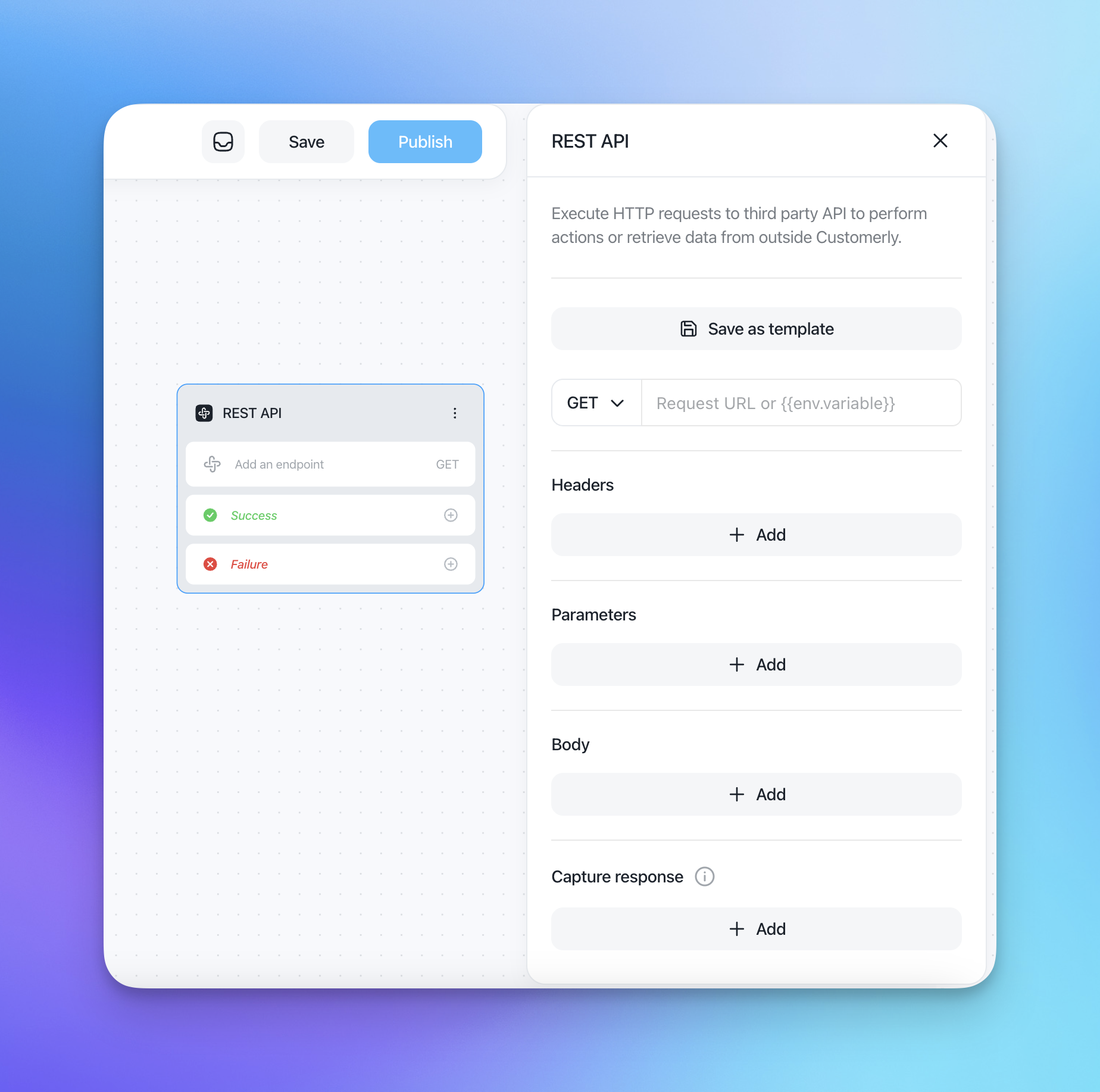
REST API
Integrate with external systems using REST API calls to fetch or send data, providing advanced capabilities within the Flow.
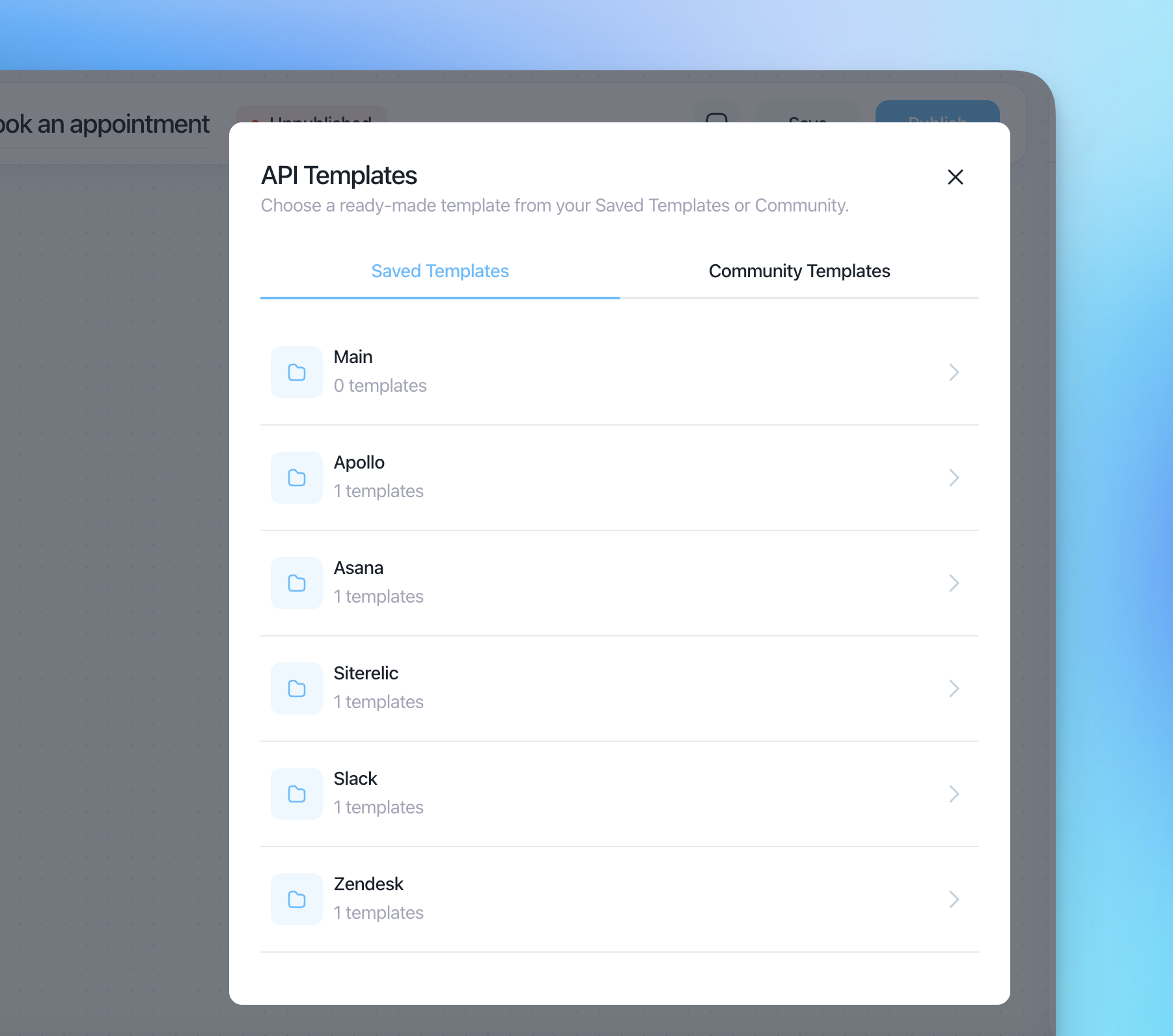
REST API Templates
Utilize predefined API templates for common tasks, simplifying the integration process.
Outbound Actions
Outbound actions are used for sending automated communications as part of audience-matched Flows. These are typically used when a Flow is triggered by the "Audience Matched" triggering event.
Send automated emails to contacts who enter the Flow. You can create email templates from scratch or use pre-built templates. Emails support rich content, personalization with contact properties, and performance tracking (open rate, click-through rate, reply rate).
Chat Message
Send automated chat messages to contacts as part of a Flow. This allows you to proactively reach out to contacts through the chat widget with targeted messages.
Contact Actions
Contact actions let you manage contact data automatically as contacts move through a Flow.
Assign Tag
Automatically assign a tag to a contact when they reach this step in the Flow. Tags help you organize and segment your contacts for future targeting.
Remove Tag
Remove a previously assigned tag from a contact. This is useful for updating contact status as they progress through different stages.
Delete Contact
Remove a contact from your system entirely. Use this action with caution, as it permanently deletes the contact record.
Fire Event
Trigger a custom event on the contact. Events can be used as conditions in other Flows or for analytics tracking purposes.
Conditional Actions
Conditional actions control the timing and branching of your Flow based on time and contact behavior.
Wait Time
Add a waiting period between actions. You can specify the duration in seconds, minutes, hours, or days. For example, wait 3 days between sending the first and second email in an onboarding sequence.
If/Then While Wait
Check whether a contact meets specific conditions during a waiting period. This action creates two branches: one for contacts who meet the condition (green path) and one for those who do not (red path). For example, check if a user clicked on a link in a previous email within 3 days, and send different follow-up emails based on the result.
Benefits of Flow Actions
Guidance: Help customers navigate through their queries or issues with clear and informative messages.
Efficiency: Automate routine tasks across both chat and email channels, freeing up your support and marketing teams to handle more complex issues.
Personalization: Collect data, set properties, and assign tags to personalize the interaction, making customers feel valued and understood.
Flexibility: Easily customize and update actions to adapt to changing business needs and customer expectations.
Multi-channel: Combine chat-based interactions with email outreach and contact management in a single Flow.
Implementing Flow Actions
Plan the Flow: Outline the desired flow of the automation and determine the actions needed at each step.
Configure Actions: Set up each action within the Flow, specifying the message content, email templates, data collection fields, tag assignments, wait times, or conditional rules.
Test the Flow: Run tests to ensure that the actions are working correctly and that the Flow provides a seamless experience.
By carefully planning and implementing Flow actions, you can create an efficient and effective customer support and outreach experience that meets the needs of your users.
Conclusion
Flow actions are integral to creating dynamic, interactive, and efficient customer interactions. By leveraging the full range of action types — from AI-powered chat to automated email sequences and contact management — you can ensure a tailored and responsive experience, enhancing overall customer satisfaction and streamlining your support and marketing processes.