
In your Customerly account, you can create email template folders to organize your templates by their topic.
How do I create a folder and how do I manage it?
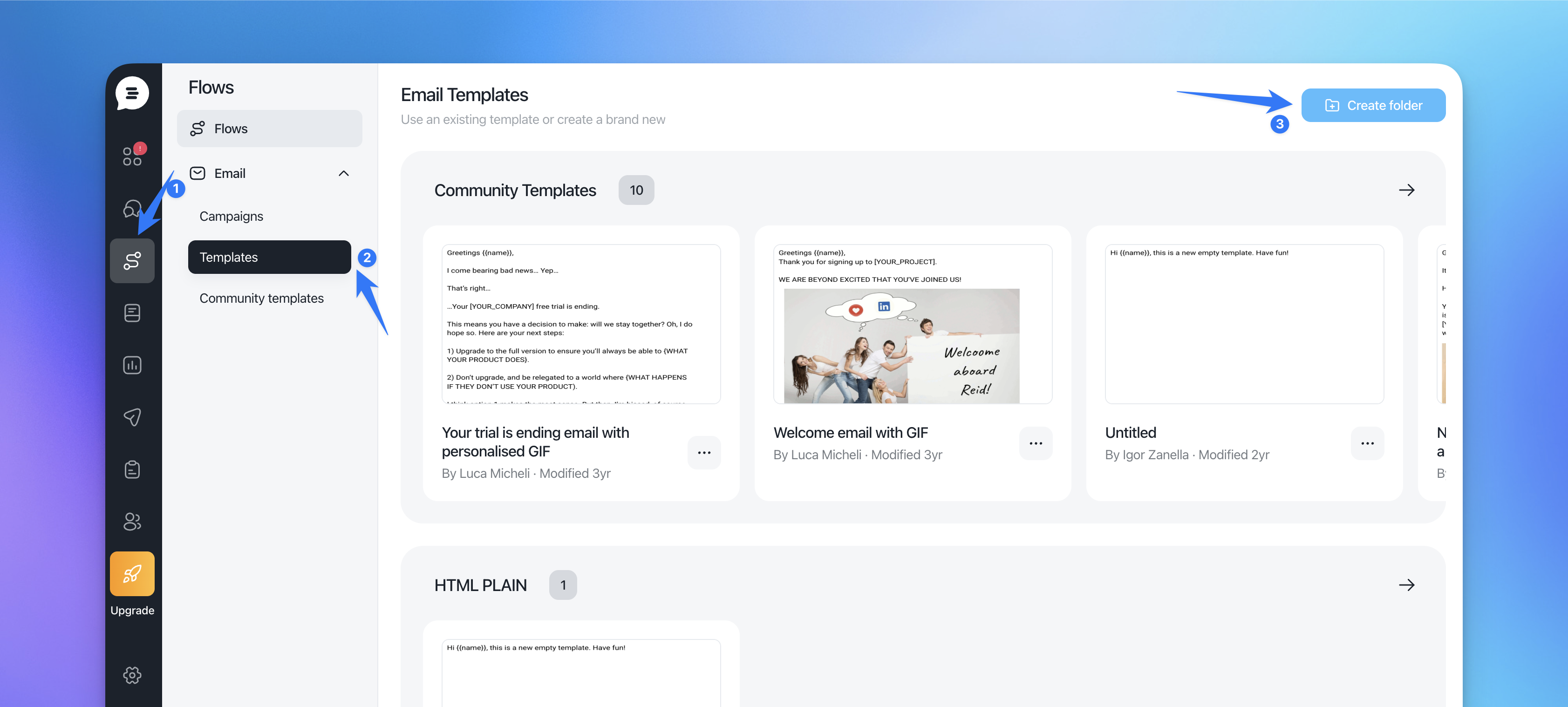
Go to the Flowa section under "Emails" in the "Templates".
Click on "Create Folder".
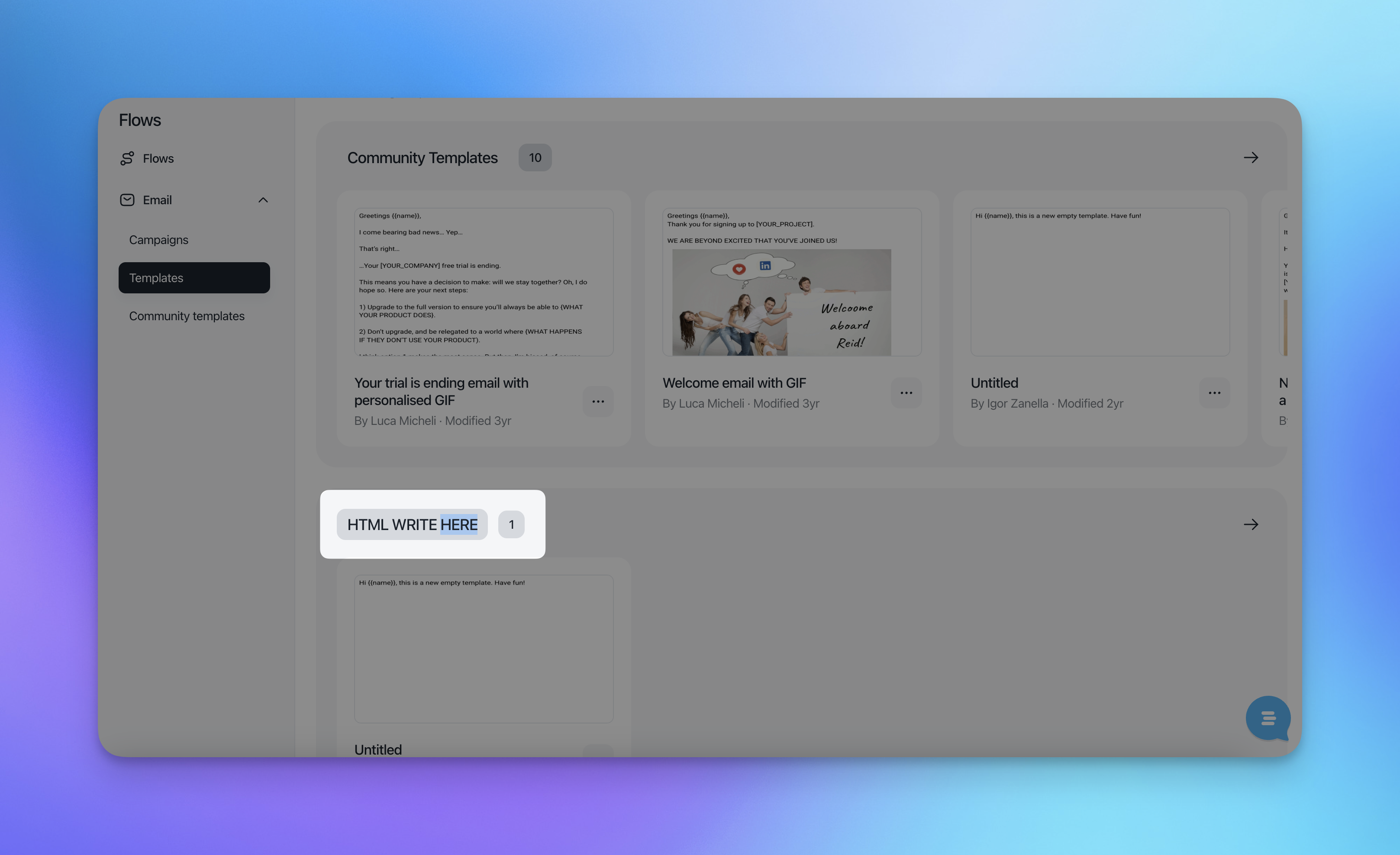
If you want to edit the name of the folder click on the arrow and open it > then click on the name at the top OR double click on the folder name
If you want to delete it, click 3 dots and on the trash icon. Note: you'll be able to delete only the folders created by you and without content in it.